7 Best AI Patent Drafting Tools Teams Are Actually Using in 2026
Esgenix Team · Published September 4, 2026

On this page
- What are AI patent drafting tools?
- 1. Esgenix: Best for explainable, examiner-ready drafting
- 2. Solve Intelligence: Best for interactive drafting with visible reasoning
- 3. DeepIP: Best for AI inside Microsoft Word
- 4. Ankar AI: Best for a full-lifecycle operating system
- 5. Patlytics: Best for analytics-led teams that also draft
- 6. Qthena: Best for a Questel-backed all-in-one IP workspace
- 7. PatentPal: Best for fast specification and figures
- Comparison table
- How to choose the right AI patent drafting tool
- See how the council drafts
- Frequently Asked Questions
AI patent drafting has moved from experiment to daily practice, and patent teams now want to know which tools their peers actually rely on rather than which ones demo well. The honest answer is that the market has split into specialists. Some tools go deep on explainable claim drafting, others embed inside Microsoft Word, and others sit inside broad patent-intelligence platforms.
The standout options include Esgenix for explainable drafting with a redline audit trail, Solve Intelligence for interactive drafting used by hundreds of IP teams, and DeepIP for teams that want AI inside Microsoft Word. This guide breaks down seven AI patent drafting tools in real use in 2026, comparing how each one works, its data-handling posture, and who it fits best. None publish pricing; all are demo or trial gated, so evaluate them on capability and fit rather than list price.
What are AI patent drafting tools?
AI patent drafting tools use large language models to help patent professionals move from an invention disclosure to a filing-ready application faster. In practice they draft claims, generate specification text and figures, check novelty and prior art, and support prosecution, while the attorney reviews and files the result.
They are built for patent attorneys, agents, and in-house counsel, not for do-it-yourself inventors. The reason matters: every claim filed carries professional responsibility, so the useful tools are the ones that make their work reviewable rather than the ones that promise a finished patent at the push of a button. Under ABA Formal Opinion 512 and the USPTO's 2024 AI guidance, the practitioner remains responsible for the work.
The category now spans three broad types: drafting-first platforms, Word-native assistants, and broad intelligence suites where drafting is one module. The right pick depends on where your team spends its time.
1. Esgenix: Best for explainable, examiner-ready drafting
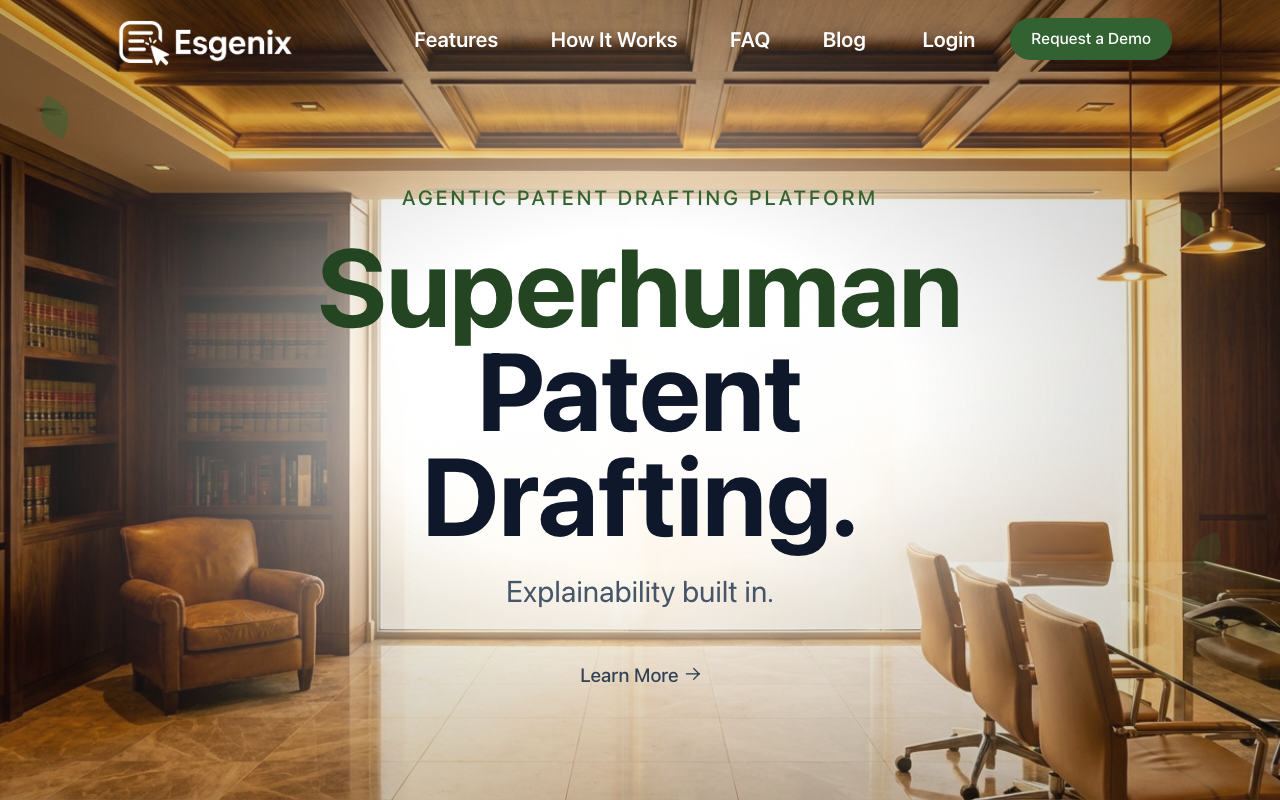
Esgenix is an agentic patent workflow platform built on a multi-LLM council, where three or more temperamentally diverse models draft and debate claim language before driving the draft toward a filing-ready state. Its defining feature is explainability: every claim carries a redline audit trail with provenance to source, and generated claims are mapped back to the invention disclosure.
The work runs between decisions rather than instead of them. Esgenix stops at five named gates, Intake, Strategy, Claims, Specification and Figures, and Sign-off, and the patent professional decides at each one. What compresses is the production work in between, so a matter moves faster without moving judgment off the attorney's desk and without lowering the examiner-ready standard the draft is held to.
Beyond drafting, it includes a Scope Slider for claim breadth, a Prior Art Radar for similarity scoring, an Examiner's Lens that runs USPTO and EPO antecedent and clarity checks, and Automatic Patent Drawings, which plans and generates figures from the specification itself, including complex mechanical drawings produced without an uploaded sketch or CAD baseline, with reference numerals reconciled to the text. It is secure cloud-first by default with AES-256 encryption at rest and a customer-controlled storage option for sensitive matters. Founded by patent practitioners, AI architects, and technologists, it is a newer entrant focused on drafting depth.
Pros:
- Redline audit trail with provenance to source
- Invention-claim mapping ties claims to the disclosure
- Examiner's Lens checks USPTO and EPO issues before filing
- Five named decision gates keep approval with the patent professional
- Mechanical and software figures generated without a CAD baseline
- Cloud-first with a customer-controlled storage option
Cons:
- Newer entrant with a shorter public track record
- Pricing is demo-gated and not published
- Focused on drafting depth rather than lifecycle breadth or broad analytics
Best For: Teams that want to see and defend how every claim was drafted, with examiner-facing checks built in.
2. Solve Intelligence: Best for interactive drafting with visible reasoning
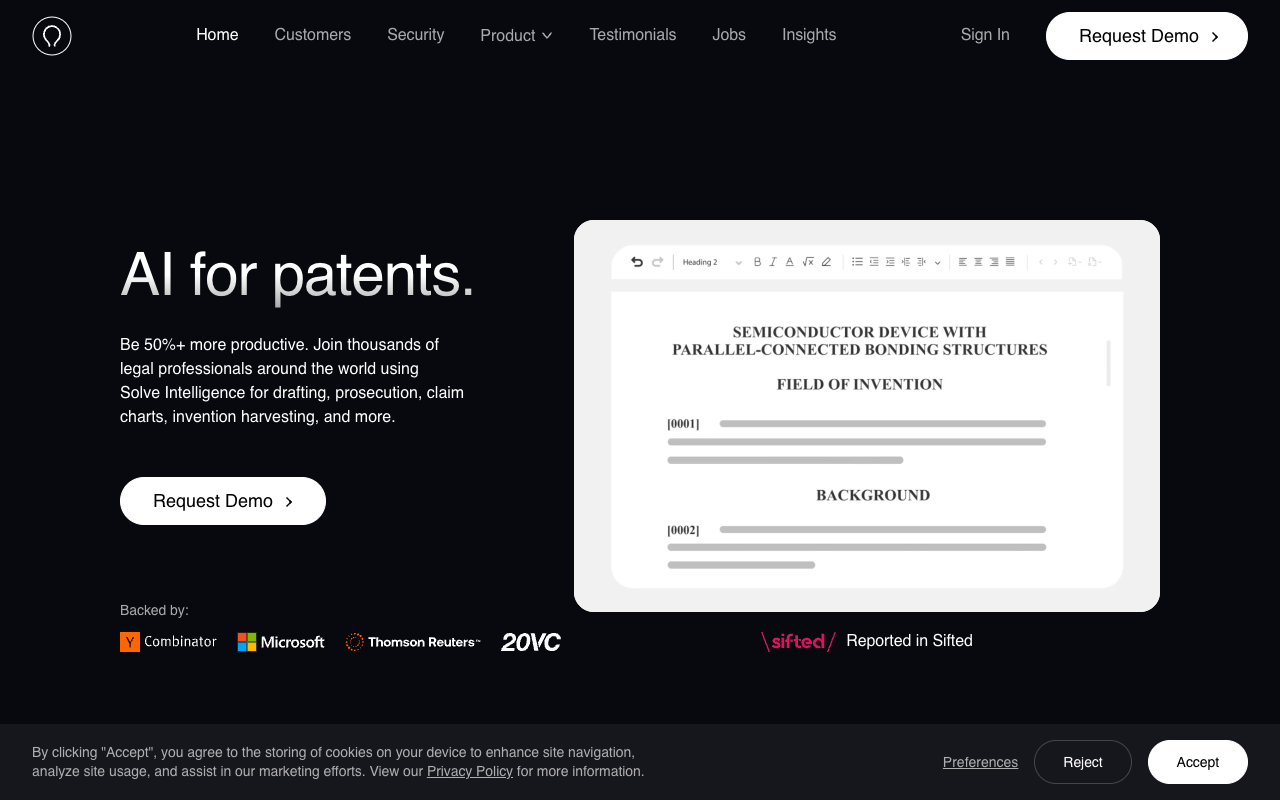
Solve Intelligence is a widely adopted patent drafting platform that reports use by more than 700 IP teams across six continents and is backed by Y Combinator, Microsoft's M12, and Thomson Reuters Ventures. It works alongside the attorney in a browser editor and adapts to an individual drafting style.
Its claim charts include multi-source citations, and columns can be expanded to show the tool's reasoning. On prosecution, it drafts office action responses with citations to file wrapper documents and case law, and it handles figures, chemical structures, and biological sequences across practice groups.
Pros:
- Interactive editor that adapts to your drafting style
- Claim-chart citations with expandable reasoning
- Strong prosecution support with case-law citations
- Broad adoption across jurisdictions
Cons:
- Public material does not describe a multi-model cross-check
- Transparency is centered in claim charts
- Pricing is not published
Best For: Teams that want a mature interactive drafting tool that writes in their voice.
3. DeepIP: Best for AI inside Microsoft Word
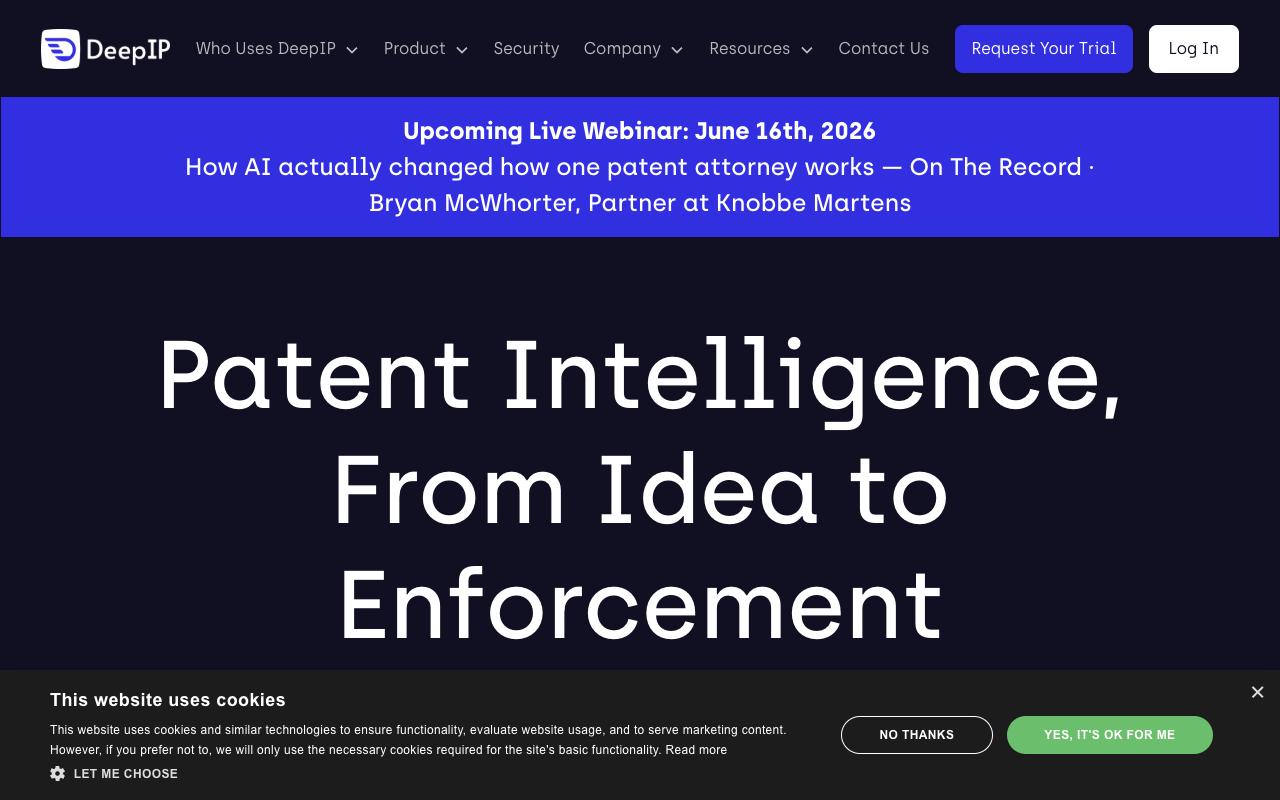
DeepIP is an end-to-end patent platform that works inside Microsoft Word, so teams keep their existing workflow. It covers invention capture, drafting, patentability and novelty assessment, prosecution, drawings, FTO, invalidity, and portfolio intelligence, and its AI Reviewer logs every change in Word Track Changes with author, timestamp, and rationale.
Its stated security posture is strong, including ISO 27001, SOC 2 Type II, GDPR, zero data retention, and Azure hosting, with customers such as Colgate-Palmolive and Philips.
Pros:
- Native Microsoft Word workflow with no new tool to learn
- Broad lifecycle coverage in one platform
- Change log with author, timestamp, and rationale
- Strong stated security posture
Cons:
- Best value depends on working inside Word
- Broad scope can exceed a drafting-only need
- Pricing is not published
Best For: Word-native teams that want AI across the patent lifecycle.
4. Ankar AI: Best for a full-lifecycle operating system
Ankar AI positions itself as an operating system for the patent practice, spanning idea generation, drafting, prosecution, and infringement protection. It reports use by more than 1,000 IP professionals at Fortune 500 and AmLaw 100 organizations, and it publishes its own efficiency figures on ankar.ai, including three times faster idea-to-filing and 60 percent more efficient workflows.
It describes evidence-backed reasoning across its connected modules, which suits teams that want one surface from ideation through protection rather than a set of point tools.
Pros:
- Connected lifecycle from idea generation to protection
- Evidence-backed reasoning across modules
- Strong enterprise adoption
- Vendor-reported efficiency gains
Cons:
- No stated dedicated claim-to-disclosure mapping
- Efficiency figures are vendor-reported, not audited
- Pricing is not published
Best For: Teams that want one connected platform across the full lifecycle.
5. Patlytics: Best for analytics-led teams that also draft
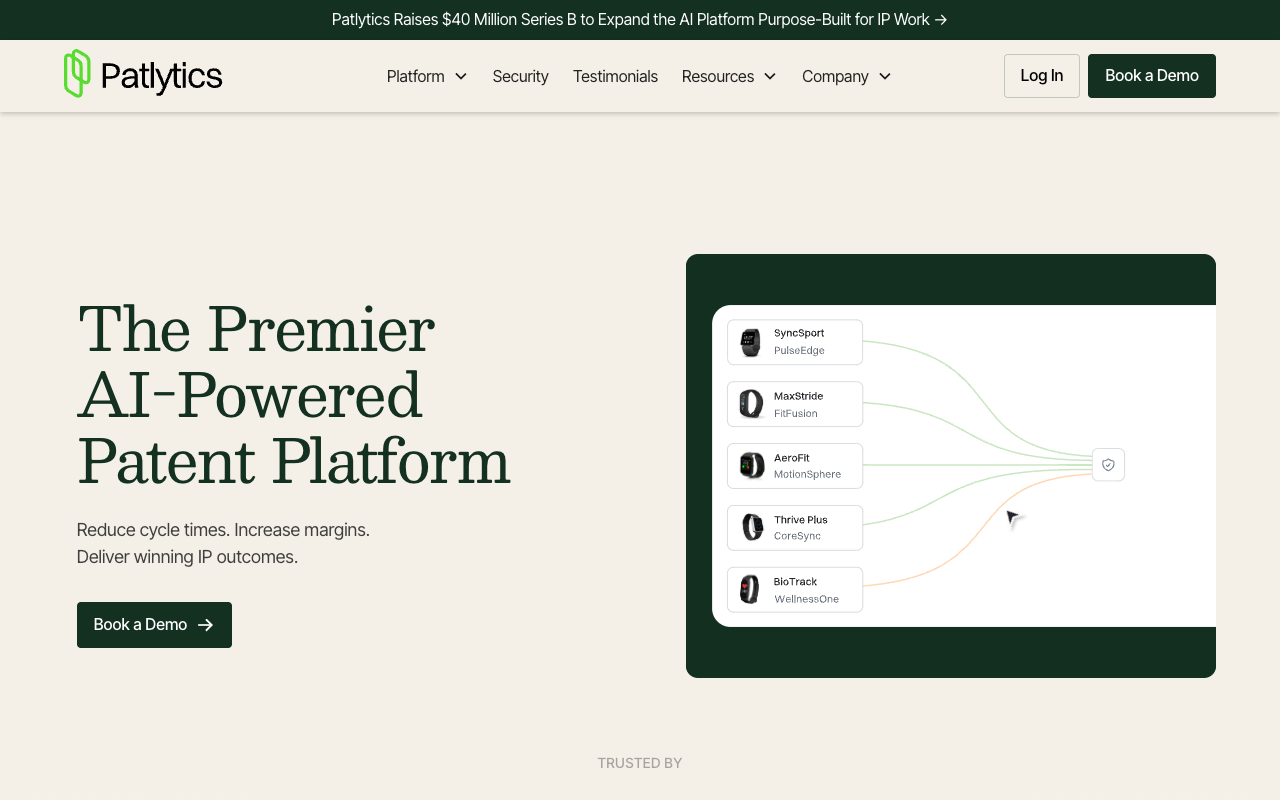
Patlytics is an AI patent intelligence platform whose strength is analytics such as invalidity, infringement detection, and landscaping, and it also supports drafting. It raised a 40 million dollar Series B and lists customers including Canon, Sanofi, and Quinn Emanuel.
For drafting it builds a claim tree from your source materials and produces audit-ready outputs, and its security posture is among the strongest here, with stated SOC 2 Type 2, ISO 27001, and ISO 42001 certifications.
Pros:
- Deep invalidity, infringement, and landscaping analytics
- Audit-ready drafting outputs and claim trees
- Top-tier stated security certifications
- Well funded with strong enterprise customers
Cons:
- Analytics-led rather than drafting-first
- Drafting is one part of a broader platform
- Pricing is not published
Best For: Teams whose primary need is analysis, with audit-ready drafting alongside.
6. Qthena: Best for a Questel-backed all-in-one IP workspace
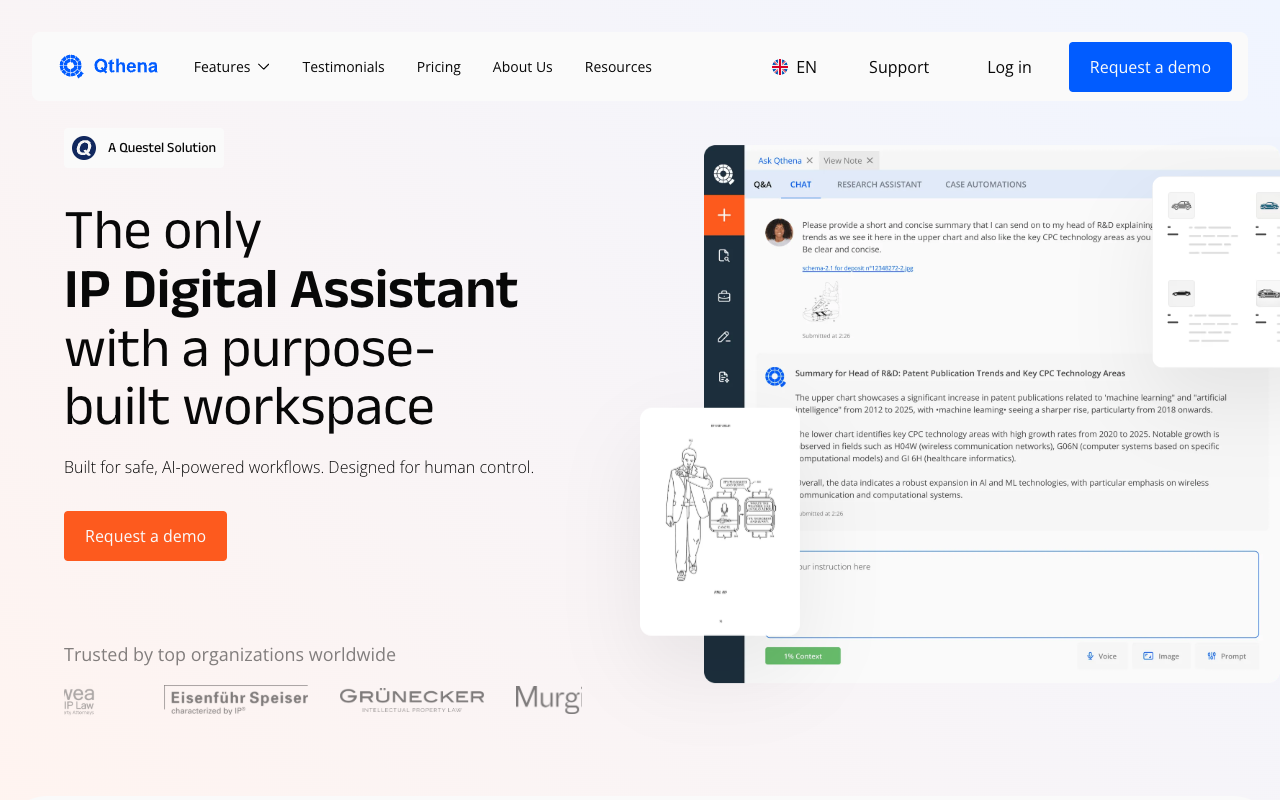
Qthena is an AI assistant for patent and trademark work, developed by ipQuants and powered by Questel. It positions itself as an IP digital assistant with a purpose-built workspace, spanning invention disclosure generation, patent search review, freedom-to-operate analysis, patent drafting, and claim chart generation.
Its strength is breadth on top of Questel's established patent data. An Ask Qthena generative-AI layer sits over that data inside one workspace, so drafting happens alongside search, analysis, and trademark work rather than in a standalone tool.
Pros:
- Backed by Questel's established patent and trademark data
- Covers the IP lifecycle in one workspace, from disclosure to claim charts
- Ask Qthena generative AI designed for human control
- ISO 27001 and SOC 2 certified infrastructure, GDPR compliant
Cons:
- Drafting is one module inside a broad IP suite
- Breadth-first workspace rather than a drafting specialist
- Pricing is not published
Best For: Teams that want drafting inside a Questel-backed, all-in-one IP workspace.
7. PatentPal: Best for fast specification and figures
PatentPal takes a focused approach: rather than generating claims, it expands the claims you already wrote into specification text and figures. You drop in a document with your claims, and it generates the spec, flowcharts, and block diagrams with one click, exporting to Word and Visio or PowerPoint.
Because the output follows directly from your claims, it invents less new substance and gives a fast, predictable draft of the mechanical parts of an application.
Pros:
- Expands your own claims, limiting invented substance
- Generates flowcharts, block diagrams, and figure descriptions
- Exports to Word and Visio or PowerPoint
- Free trial available
Cons:
- Focused on spec and figures rather than claim strategy
- No prior-art analysis or prosecution
- Less suited to end-to-end drafting
Best For: Teams that want fast, predictable specification and figure drafting from their own claims.
Comparison table
| Tool | Type | Standout strength | Security or traction | Best for |
|---|---|---|---|---|
| Esgenix | Drafting-first council | Redline audit trail, invention-claim mapping | Cloud-first, AES-256, customer-controlled option | Explainable, examiner-ready drafting |
| Solve Intelligence | Interactive drafting platform | Claim-chart citations and reasoning | 700+ IP teams; YC and Microsoft backed | Interactive drafting |
| DeepIP | Word-native platform | Track Changes log across the lifecycle | ISO 27001, SOC 2 Type II, GDPR | Word-based teams |
| Ankar AI | Lifecycle operating system | Evidence-backed reasoning across modules | 1,000+ IP pros; Fortune 500, AmLaw 100 | Full-lifecycle teams |
| Patlytics | Analytics-led platform | Invalidity and infringement analytics | SOC 2 Type 2, ISO 27001, ISO 42001 | Analytics-led teams |
| Qthena | Questel IP assistant | Full-lifecycle IP workspace | ISO 27001, SOC 2; GDPR | All-in-one IP suite |
| PatentPal | Spec and figure generator | Claim-driven spec and figures | Free trial available | Fast spec and figures |
How to choose the right AI patent drafting tool
The right tool depends on your workflow, your review bottleneck, and your confidentiality needs. Here is how to narrow it down.
Start from your biggest bottleneck. If review time goes into verifying claim scope and support, prioritize explainable drafting with invention-claim mapping, such as Esgenix. If prosecution is the pain, a tool with strong claim-chart citations like Solve Intelligence may matter more.
Match the tool to your workflow. Teams that live in Microsoft Word gain the most from DeepIP, while teams that want a dedicated platform may prefer a council-based or browser-based workflow.
Decide how much lifecycle you need. A drafting-only team does not need a full intelligence suite, while a corporate department managing search, FTO, and portfolio work may prefer the breadth of Ankar, Patlytics, or Qthena.
Weigh confidentiality and security. Compare stated certifications and data-handling postures, and confirm whether customer data is used for model training.
Test with a real disclosure. Run the same invention disclosure through your shortlist and compare the drafts on claim support, unsupported limitations, and review effort. The tool that performs best on your own material is the right one, regardless of demo polish.
See how the council drafts
To see how an explainable, examiner-ready draft is produced with a full redline audit trail and invention-claim mapping, request a demo of Esgenix.
Frequently Asked Questions
Which AI patent drafting tool is most widely used?
Solve Intelligence reports one of the largest user bases, with more than 700 IP teams, while DeepIP is widely adopted among Word-based teams. Adoption varies by segment, so the most-used tool for your team depends on your workflow.
Do AI patent drafting tools replace patent attorneys?
No. These tools are built for patent professionals, and the attorney remains responsible for reviewing and filing the application under ABA and USPTO guidance. The tools speed up drafting and review; they do not remove professional judgment.
Which tool is best for explainable drafting?
Esgenix centers the product on explainability, with a redline audit trail, provenance to source, and invention-claim mapping. Solve Intelligence and DeepIP also provide strong transparency, inside claim charts and Word Track Changes respectively.
Do these tools publish pricing?
No. The tools in this guide are demo or trial gated, so pricing is provided through a sales conversation rather than listed publicly.
How should a team start evaluating these tools?
Shortlist two or three based on your workflow, then run the same real invention disclosure through each and score the drafts on claim support, unsupported limitations, source mapping, and review effort.
More on tool evaluations: See how Esgenix drafts
See it on your own use case
Related articles

7 Best Explainable AI Patent Drafting Tools in 2026
Seven AI patent drafting tools compared on how they show their work: redline audit trails, claim-to-disclosure mapping, citations, and prior-art grounding.
Esgenix Team · Sep 4, 2026 · 11 min read

7 Best AI Tools for Drafting Patent Claims in 2026
Seven AI tools for drafting patent claims compared on scope control, disclosure grounding, and antecedent and clarity checks under 35 U.S.C. 112.
Esgenix Team · Sep 4, 2026 · 7 min read

7 Best AI Patent Tools for In-House and Corporate IP Teams in 2026
Seven AI patent tools for in-house and corporate IP teams compared on security certifications, lifecycle coverage, and governance fit.
Esgenix Team · Sep 4, 2026 · 7 min read