7 Best AI Tools for Drafting Patent Claims in 2026
Esgenix Team · Published September 4, 2026

On this page
- What matters in AI claim drafting
- 1. Esgenix: Best for explainable, multi-variant claim composition
- 2. Solve Intelligence: Best for interactive claim editing with citations
- 3. DeepIP: Best for Word-native claim drafting with alternatives
- 4. Qthena: Best for claim work inside a Questel-backed IP workspace
- 5. Patlytics: Best for building a claim tree from source
- 6. Ankar AI: Best for claim drafting within a full lifecycle
- 7. PatentPal: Best for generating claim support and figures
- Comparison table
- How to choose an AI claim drafting tool
- See how the council drafts
- Frequently Asked Questions
Claim drafting is where a patent is won or lost. The specification supports the claims, but the claims define the scope of protection, and they are also where examiners concentrate their rejections. That is why AI tools aimed at claim drafting are judged on a narrow question: do they help you compose claims that are broad enough to matter, supported by the disclosure, and clean on antecedent basis and definiteness under 35 U.S.C. 112.
The standout options include Esgenix for explainable, multi-variant claim composition, Solve Intelligence for interactive claim editing with citations, and Qthena for claim work inside a Questel-backed IP workspace. This guide breaks down seven AI tools for drafting patent claims in 2026, comparing how each helps you compose and defend a claim set. None publish pricing; all are demo or trial gated.
What matters in AI claim drafting
A claim is a single sentence that must be broad, supported, and clear at the same time. Good AI claim drafting helps on all three: it proposes claim scope you can widen or narrow, it ties each limitation back to the invention disclosure so the claim has written-description support, and it flags antecedent basis and clarity problems before an examiner does.
Those last points map to real rejection risk. Antecedent basis and written-description support are frequent grounds for rejection under 35 U.S.C. 112, assessed against the standard in USPTO MPEP 2163. A claim tool that surfaces these issues at draft time saves an office action later.
The attorney still owns the claim set. Under ABA Formal Opinion 512, AI-assisted claims must be reviewed before filing, so the best tools make that review fast and grounded.
1. Esgenix: Best for explainable, multi-variant claim composition
Esgenix is built around claim composition. Its Multi-LLM Claim Composer generates parallel claim variants from several models, and a Scope Slider lets you adjust breadth and see how each version reads. Because it is an adversarial council, the models pressure-test each other's claim language, surfacing weak limitations before review.
Crucially for claims, it maps each generated claim back to the invention disclosure and runs an Examiner's Lens for USPTO and EPO antecedent and clarity checks. That combination targets the exact 35 U.S.C. 112 issues that sink claims, and the redline audit trail shows why each limitation reads the way it does.
Pros:
- Multi-LLM Claim Composer generates parallel claim variants
- Scope Slider adjusts claim breadth with visible trade-offs
- Invention-claim mapping supports written-description grounding
- Examiner's Lens flags antecedent and clarity issues before filing
Cons:
- Newer entrant with a shorter public track record
- Pricing is demo-gated and not published
- Focused on drafting rather than broad analytics
Best For: Teams that want defensible, examiner-ready claim sets with visible scope trade-offs.
2. Solve Intelligence: Best for interactive claim editing with citations
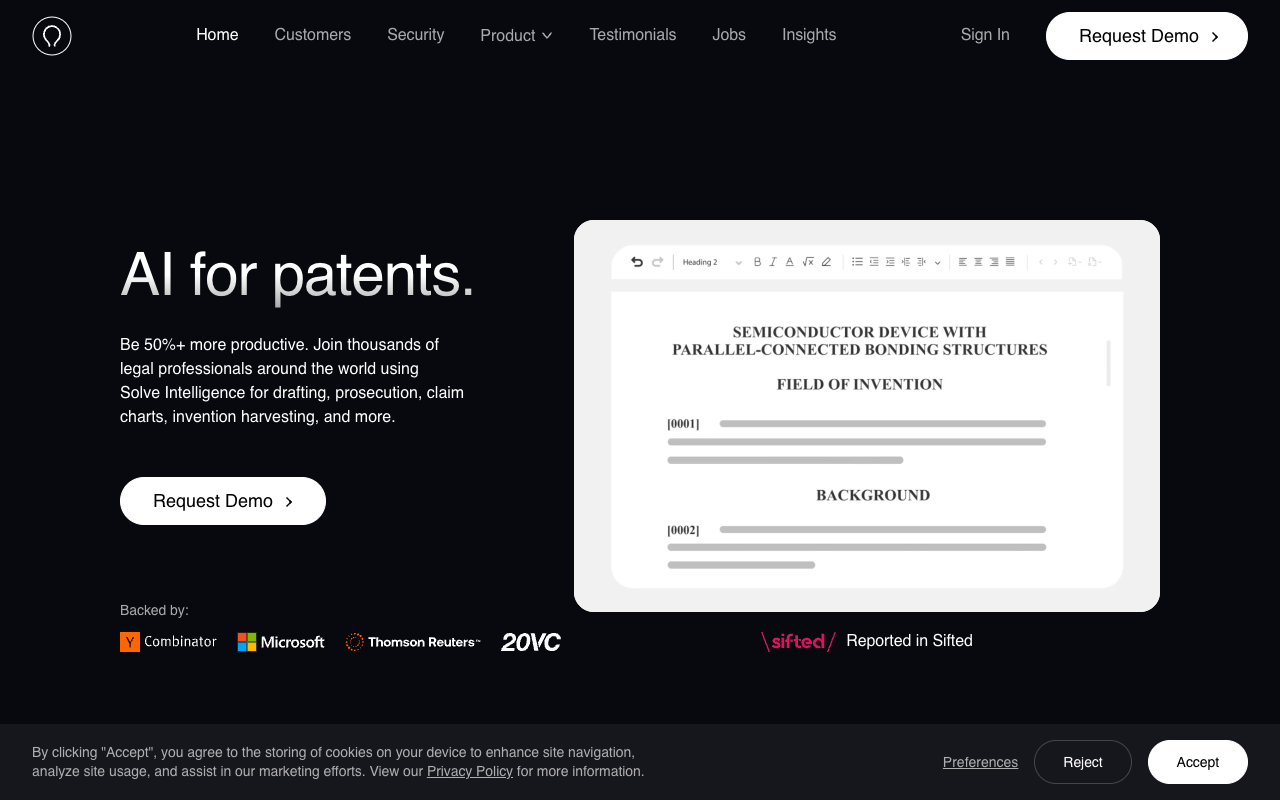
Solve Intelligence works as an interactive drafting tool in the browser, so claim editing happens in a live editor that adapts to your style. Its claim charts carry multi-source citations with expandable reasoning, which is useful when you need to justify a limitation against prior art.
On prosecution, it drafts claim amendments and complete claim listings with citations to the file wrapper and case law, so claim work carries through from drafting into responses.
Pros:
- Interactive, style-aware claim editing
- Claim-chart citations with expandable reasoning
- Amendments and claim listings for prosecution
- Broad adoption across IP teams
Cons:
- Public material does not describe a multi-model cross-check
- No stated dedicated claim-to-disclosure mapping
- Pricing is not published
Best For: Teams that want an interactive editor that keeps claims and prosecution connected.
3. DeepIP: Best for Word-native claim drafting with alternatives
DeepIP drafts claims inside Microsoft Word, and its drafting materials describe suggesting fresh angles, alternative phrasing, and fallback positions, which is directly useful for building a claim hierarchy. Its patentability analysis is claim-level and mapped to prior art.
Because every change is logged in Word Track Changes with author, timestamp, and rationale, a reviewer can see how a claim evolved without leaving Word.
Pros:
- Claim drafting inside Microsoft Word
- Suggests alternative phrasing and fallback positions
- Claim-level analysis mapped to prior art
- Auditable change history in Track Changes
Cons:
- Tied to the Word environment
- Broad lifecycle beyond claim drafting
- Pricing is not published
Best For: Word-native teams that want claim alternatives with an auditable history.
4. Qthena: Best for claim work inside a Questel-backed IP workspace
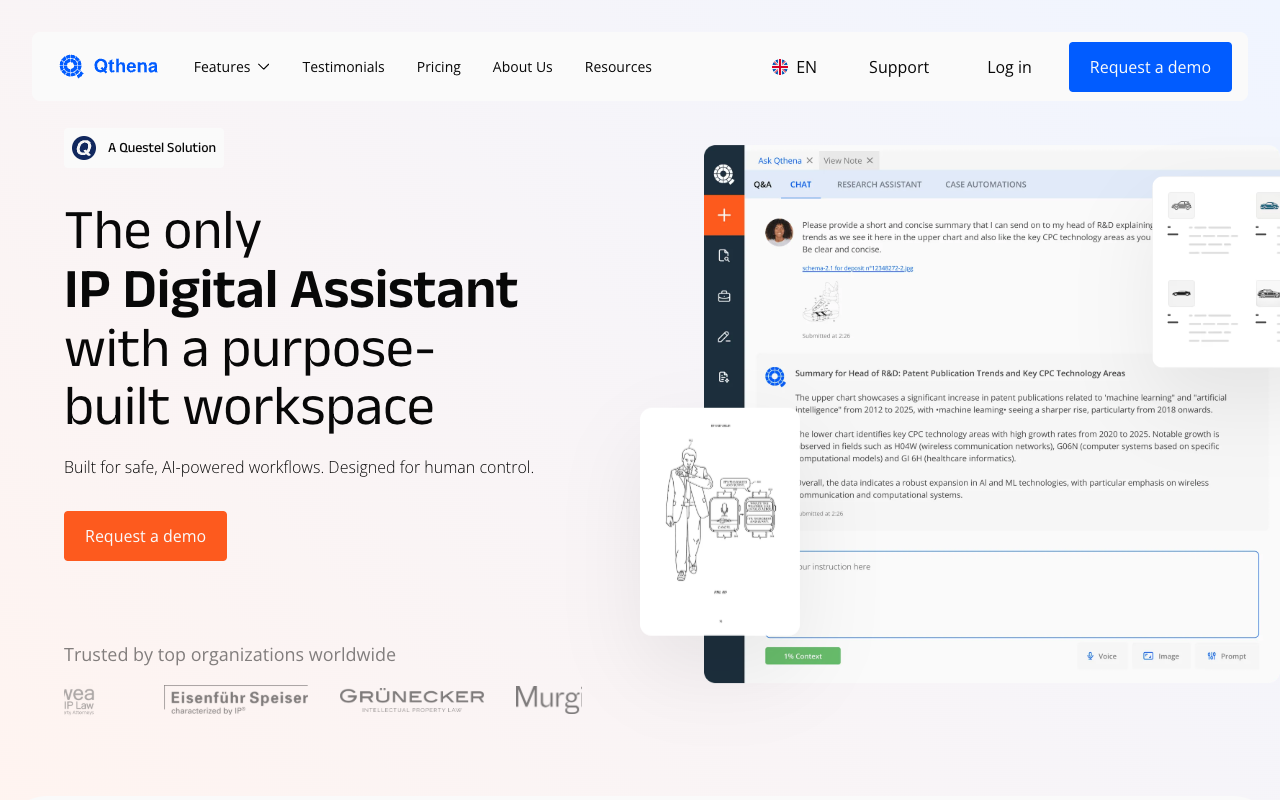
Qthena is an AI assistant for patent and trademark work, developed by ipQuants and powered by Questel. Alongside patent drafting, it offers claim chart generation, patent search review, and freedom-to-operate analysis in one workspace.
For teams that want claim work to sit next to search and analysis rather than in a separate tool, Qthena pairs drafting with Questel's patent data and an Ask Qthena generative layer built for human review and control.
Pros:
- Claim chart generation alongside drafting
- Backed by Questel's established patent data
- Search, FTO, and drafting in one workspace
- ISO 27001 and SOC 2 certified infrastructure, GDPR compliant
Cons:
- Drafting is one module inside a broad IP suite
- Breadth-first workspace rather than a claim-drafting specialist
- Pricing is not published
Best For: Teams that want claim work inside a Questel-backed IP workspace.
5. Patlytics: Best for building a claim tree from source
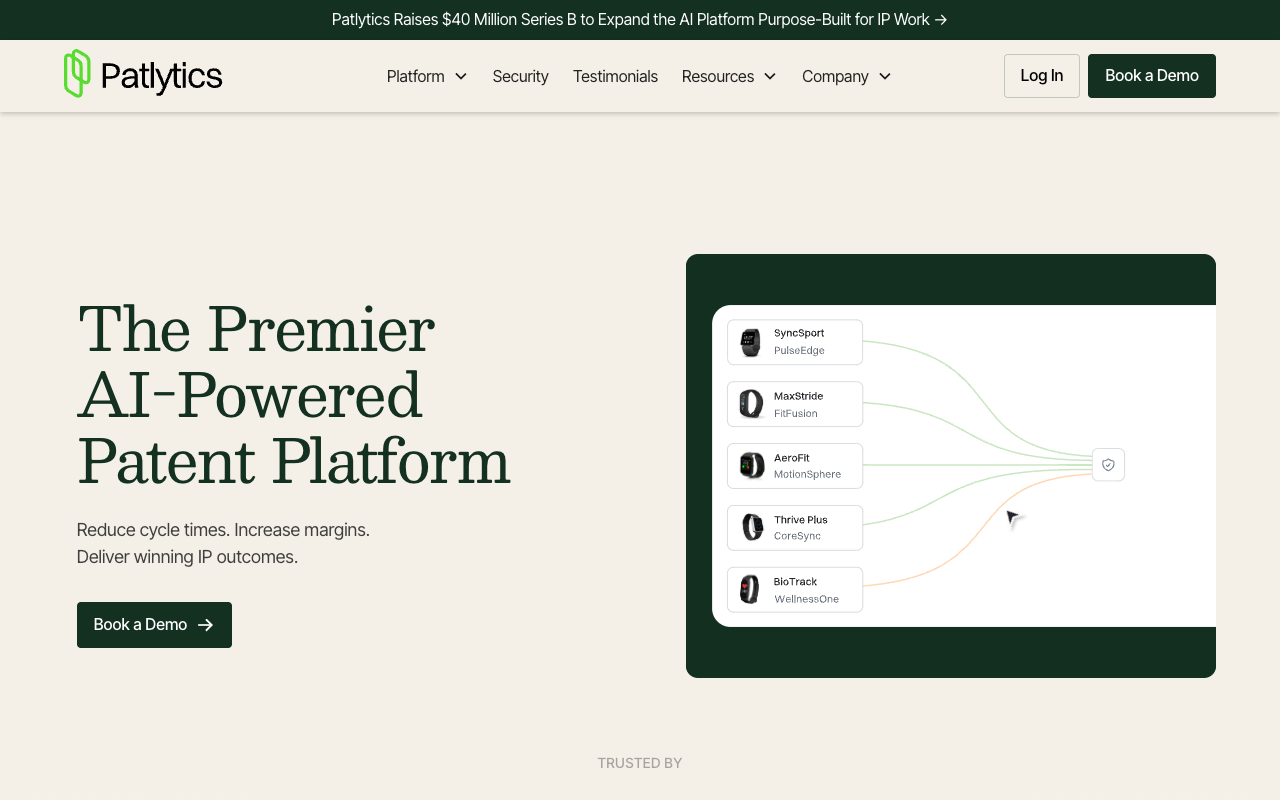
Patlytics structures a claim tree from your source materials and produces audit-ready outputs, auditing external and internal inputs including figures and slides. Its analytics depth in invalidity and prior art helps you test claim strength against real references.
Drafting is not its primary focus, so claim drafting sits alongside a strong analytics core.
Pros:
- Builds a claim tree from your source materials
- Strong prior-art and invalidity grounding
- Audit-ready outputs
- Top-tier stated security certifications
Cons:
- Analytics-led rather than claim-drafting-first
- Drafting is part of a broader platform
- Pricing is not published
Best For: Teams that want claim structure grounded in strong prior-art analysis.
6. Ankar AI: Best for claim drafting within a full lifecycle
Ankar AI drafts claims as part of a connected platform spanning idea generation, drafting, prosecution, and protection, with evidence-backed reasoning surfaced across stages. For teams that want claim drafting inside one lifecycle surface rather than a standalone tool, that connection is the draw.
Ankar does not state a dedicated claim-to-disclosure mapping feature, so drafting-first teams should confirm how granular the claim support trail is in a demo.
Pros:
- Claim drafting connected to the full lifecycle
- Evidence-backed reasoning across stages
- Strong enterprise adoption
- Single connected platform
Cons:
- No stated dedicated claim-to-disclosure mapping
- Reasoning is workflow-level, not per-claim
- Pricing is not published
Best For: Teams that want claim drafting inside a connected lifecycle platform.
7. PatentPal: Best for generating claim support and figures
PatentPal approaches claims from the other direction. You provide the claims, and it generates the specification, abstract, and summary to support them, along with flowcharts and block diagrams. That makes it a strong complement to claim drafting, because it turns a claim set into the supporting disclosure that written-description requirements demand.
It does not compose claims for you, so pair it with a claim-drafting tool rather than expecting it to originate claim scope.
Pros:
- Generates specification and figures that support your claims
- Abstract and summary aligned to all claims
- Fast, deterministic output from your claim set
- Free trial available
Cons:
- Expands claims rather than composing them
- No prior-art analysis or prosecution
- Best used alongside a claim-drafting tool
Best For: Teams that want to turn a finished claim set into supporting specification and figures quickly.
Comparison table
| Tool | Claim-drafting strength | Grounding to disclosure or art | Security or traction | Best for |
|---|---|---|---|---|
| Esgenix | Multi-variant composer with Scope Slider | Invention-claim mapping, Examiner's Lens | Cloud-first, AES-256, customer-controlled option | Explainable claim composition |
| Solve Intelligence | Interactive editing and amendments | Claim-chart citations | 700+ IP teams; YC and Microsoft backed | Interactive claim editing |
| DeepIP | Alternatives and fallback positions | Claim-level analysis mapped to prior art | ISO 27001, SOC 2 Type II, GDPR | Word-native claim drafting |
| Qthena | Claim chart generation | Questel-backed IP workspace | ISO 27001, SOC 2; GDPR | Workspace-based claim work |
| Patlytics | Claim tree from source | Prior-art and invalidity analytics | SOC 2 Type 2, ISO 27001, ISO 42001 | Analysis-grounded claim structure |
| Ankar AI | Lifecycle claim drafting | Evidence-backed reasoning | 1,000+ IP pros; Fortune 500, AmLaw 100 | Connected lifecycle drafting |
| PatentPal | Claim support and figures | Deterministic from your claims | Free trial available | Supporting spec for your claims |
How to choose an AI claim drafting tool
Prioritize scope control and support. If your goal is broad, defensible claims, favor tools that show scope trade-offs and tie claims to the disclosure, such as Esgenix's Scope Slider and invention-claim mapping.
Check antecedent and clarity handling. The tools that flag 35 U.S.C. 112 issues at draft time, like Esgenix's Examiner's Lens, save office actions later.
Decide how much prior-art grounding you need. If drafting around the closest art is your priority, Patlytics brings the strongest analytical grounding, and Qthena adds Questel's patent data.
Match the editing surface to your team. Word-based teams gain from DeepIP; teams that want a dedicated composer may prefer Esgenix or Solve Intelligence.
Verify with your own disclosure. Draft the same claim set in two tools and compare breadth, support, and unsupported-limitation count. The attorney still reviews and files under ABA and USPTO guidance.
See how the council drafts
To see how the Multi-LLM Claim Composer explores scope and produces examiner-ready claims with invention-claim mapping, request a demo of Esgenix.
Frequently Asked Questions
Can AI draft patent claims on its own?
AI can propose claims and variants, but the attorney must review and refine them before filing. The best tools make claims reviewable by mapping them to the disclosure and flagging antecedent and clarity issues.
Which tool is best for claim scope and breadth?
Esgenix's Multi-LLM Claim Composer and Scope Slider are built specifically for exploring claim breadth with visible trade-offs, while other tools focus more on editing or grounding.
How do these tools help avoid 35 U.S.C. 112 rejections?
Tools that map claims to the invention disclosure and check antecedent basis and clarity, such as Esgenix's Examiner's Lens, help catch written-description and definiteness issues before filing, measured against USPTO MPEP 2163.
Does PatentPal draft claims?
No. PatentPal expands claims you provide into specification text and figures, so it supports claim drafting rather than composing claims. Pair it with a claim-drafting tool.
Do these tools publish pricing?
No. The tools in this guide are demo or trial gated, so pricing is provided through a sales conversation.
More on tool evaluations: See how Esgenix drafts
See it on your own use case
Related articles

7 Best AI Patent Tools for In-House and Corporate IP Teams in 2026
Seven AI patent tools for in-house and corporate IP teams compared on security certifications, lifecycle coverage, and governance fit.
Esgenix Team · Sep 4, 2026 · 7 min read

How to Benchmark AI Patent Draft Quality
Seven measures worth recording when you benchmark AI patent draft quality, the sample set to use, and the mistakes that invalidate the test.
Esgenix Team · Aug 17, 2026 · 8 min read

AI Patent Drafting Tools in India: Why the Priority Document Decides Everything
Why the Indian priority document decides your US and EP outcomes, and what that means when evaluating AI patent drafting tools in India.
Esgenix Team · Aug 17, 2026 · 8 min read