10 DeepIP Alternatives for Patent Drafting in 2026
Esgenix Team · Published October 29, 2026

On this page
10 DeepIP Alternatives for Patent Drafting in 2026
Patent teams evaluating DeepIP alternatives in 2026 should compare more than draft-generation speed. Look at where professional decisions occur, how prior art affects claim strategy, whether figures remain tied to the specification, and how the system checks its own output. Esgenix is a strong fit for teams that want a decision-gated patent production system with five explicit counsel gates. Solve Intelligence suits teams seeking drafting alongside prosecution and claim-chart workflows. Rowan Patents is worth considering for desktop-centered teams that want synchronized claims, specifications, and drawings.
How we compared: each tool is described from its own published product pages and documentation, checked on 9 October 2026. This is desk research, not hands-on testing, and vendor-reported results are not treated as independent benchmarks. Tools are listed alphabetically; the order is not a ranking. Confirm current product, security and commercial details directly with each vendor.
Alternatives at a Glance
The alternatives below fall into three practical groups.
Decision-gated and connected patent workflows bring invention intake, drafting, research, review, and related patent work into a shared matter context. Esgenix, Solve Intelligence, PatSnap Eureka, and Patlytics fit most closely in this group, although their operating models and stated coverage differ.
Desktop and Word-centered drafting environments focus on the tools many patent professionals already use. Rowan Patents, Patent Bots, ClaimMaster, and IronCrow AI combine drafting support with document synchronization, proofreading, or Word integration.
Focused patent-production tools are often best when your team already has claim direction or source material and wants help creating specification sections, figures, or a first draft. PatentPal and PowerPatent fall into this category.
These categories are not scores. They are a practical way to identify which products match the way your team already works.
What Are Alternatives to DeepIP for Patent Drafting?
DeepIP alternatives are patent software products that a patent professional may assess when looking for a different drafting workflow, review model, document environment, or scope of patent work. They are not interchangeable. One product may start from approved claims and create specification language, while another may begin with an invention disclosure, research prior art, develop claims, prepare figures, and route the matter through staged review.
That difference matters because patent drafting is not one task. It includes understanding technical material, resolving gaps, deciding claim scope, checking written-description support, producing a specification, and confirming that figures and reference numerals match the text. A system that is useful after claims are settled may not be the right system for shaping claim strategy before drafting begins.
A useful evaluation starts with four questions:
- Where does counsel make substantive decisions? Check whether the workflow makes review points explicit or leaves users to manage them through prompts and document edits.
- How does research connect to drafting? If prior-art findings matter, ask whether they can affect claim direction while the claims are still editable.
- How is generated work checked? Look for claim support checks, document consistency review, provenance, and independent review processes.
For patent professionals, the right boundary between professional and AI is a decision boundary. The system can perform production work, but counsel should decide what the invention is, where protection should sit, what the claims should cover, and whether the application is ready to progress.
How We Compared
The public evidence behind these products varies. Many vendors publish workflow descriptions, feature lists, security statements, and outcome figures. Vendor-reported productivity or time-saving figures can be useful evaluation inputs, but they should not be treated as independent benchmarks without supporting methodology.
This comparison therefore uses a different decision lens: published operating model, drafting environment, stated review approach, jurisdictional positioning, and pricing visibility. It does not assign manufactured scores or declare one product best for every practice.
For data handling, buyers should obtain current contractual answers during evaluation. Esgenix states that customer invention data is not used to train AI models. Its approved public posture is secure cloud storage by default, customer-controlled storage for sensitive matters, and ISO 27001 Stage 1 complete. Retention arrangements should be confirmed for the specific deployment under consideration.
10 DeepIP Alternatives for Patent Drafting
1. ClaimMaster: Best for offline-friendly Word drafting and review
ClaimMaster is a Microsoft Word-integrated drafting, proofreading, document-automation, and prosecution tool. It is particularly relevant for teams that want a desktop workflow with optional connections to hosted or local language models.
Key features:
- Proofreading for unsupported claim terms, antecedent issues, dependencies, and inconsistent part numbers.
- Claim transformation and patent-document section generation.
- Optional LLM chat, document attachments, prompt templates, and claim-chart generation.
- Office-action shells, USPTO forms, and OCR through add-ons.
Pros:
- Vendor states that non-GPT and non-LLM tools can work offline.
- Supports hosted model APIs and local models through Ollama.
- Offers templates and document checks for repeatable drafting tasks.
Cons:
- No native Mac version is listed.
- It requires Windows and Microsoft Word, and it does not offer a browser-native version.
ClaimMaster's patent application drafting page describes its local Word workflow, claim transformations, figures, descriptions, and optional language-model connections.
2. Esgenix: Best for decision-gated patent production
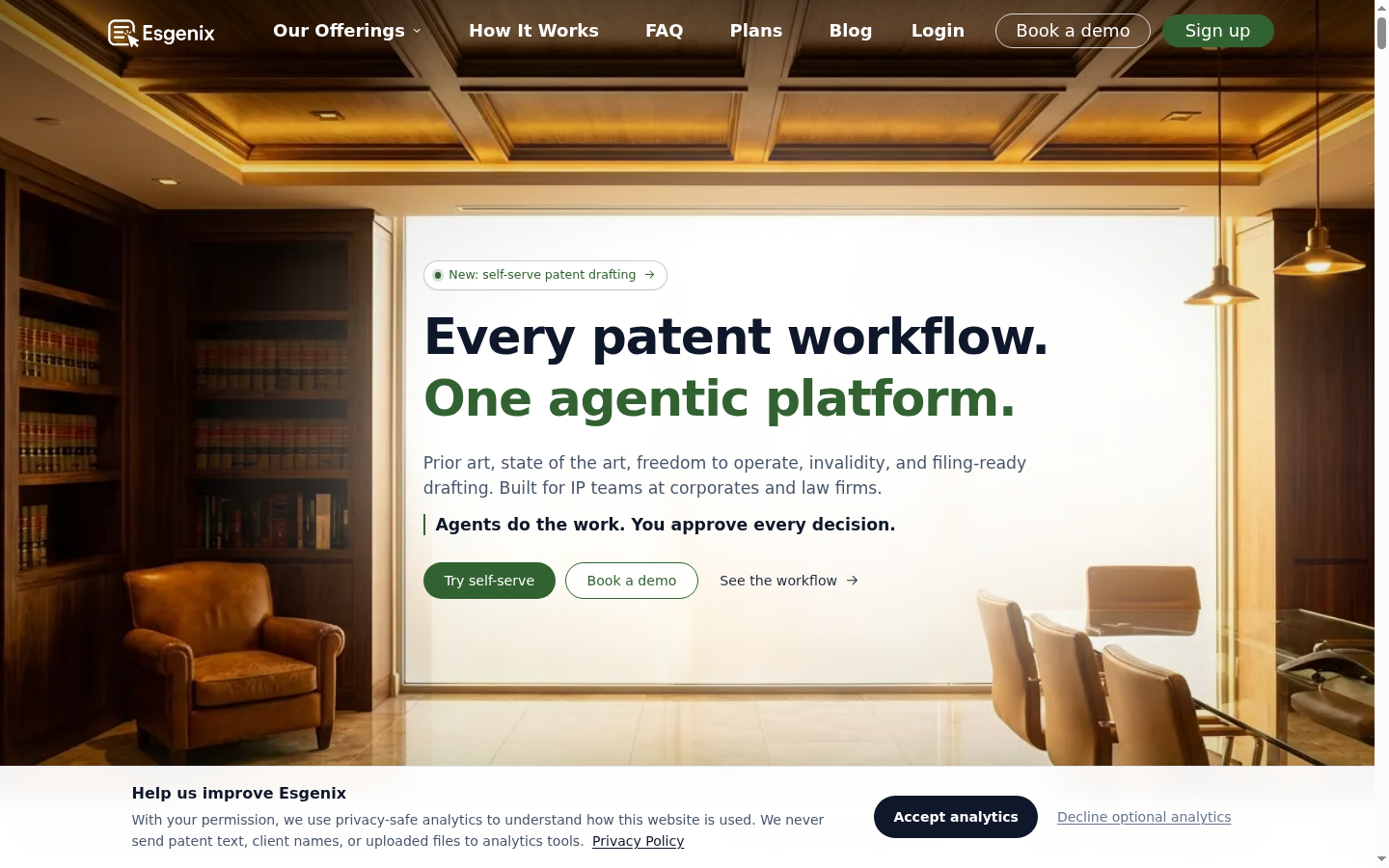
Esgenix is a decision-gated agentic patent workflow platform and patent production system for patent professionals. It is best suited to firms and corporate IP teams that want counsel to direct the matter at clear review points while the platform performs production work between them.
Esgenix uses five named gates: Intake, Strategy, Claims, Specification & Figures, and Sign-off. Between those decisions, specialist agents assigns generation, criticism, and judgment to separate role-specialized agents. The system producing work is not its only reviewer.
Key features:
- Prior Art Radar connects relevant prior-art findings to strategy and drafting in the same matter.
- Scope Slider lets counsel explore broader and narrower claim positions before claim approval.
- Claim Provenance links claim elements to supporting invention material.
- Examiner's Lens and Adversarial Review challenge weaknesses before Sign-off.
Pros:
- Explicit professional decision points across the workflow.
- Practice-native output for US, European, and Indian applications.
- Automatic Patent Drawings can be planned from the specification without a CAD baseline.
Cons:
- Counsel retains substantive strategy, modification, and approval responsibilities.
- Native practice support is stated for US, European, and Indian work only.
The Esgenix patent drafting workflow is a fit when your team wants search, claim strategy, drafting, figures, and verification to stay connected within one matter context.
3. IronCrow AI: Best for flexible Word-integrated patent drafting
IronCrow AI is a patent-practice software suite for drafting, proofreading, office-action processing, and prosecution analytics. Its LLM Sandbox is designed for patent professionals who want to work from reusable prompts, example applications, Word editing, and editable figures.
Key features:
- LLM Sandbox with style learning from example patent applications.
- Microsoft Word integration with editing and track changes.
- Natural-language retrieval of USPTO and EPO documents.
- Editable figure generation, proofreading, and office-action intake tools.
Pros:
- Combines drafting, proofreading, office-action tools, and prosecution statistics in a modular suite.
- Lets teams use example applications to inform style.
- Includes Word-based revision support and editable figure generation.
Cons:
- The vendor says the flexible workflow requires an upfront learning investment.
- Published direct database access focuses on USPTO and EPO sources, which may be less suitable for India-centered research.
IronCrow's LLM Sandbox page describes its style-learning workflow, Word integration, document retrieval, and figure capabilities.
4. Patent Bots: Best for Word-based drafting automation and proofreading
Patent Bots is a patent-preparation and prosecution platform centered on document automation, proofreading, and Microsoft Word integration. It may suit registered practitioners who want rules-based document tasks and generative drafting support within their existing Word workflow.
Key features:
- Microsoft Word add-in for drafting automation.
- GenAI chat with document context and saved prompts.
- Claim, figure, and reference-label renumbering.
- Proofreading for antecedent basis, claim support, dependencies, and document issues.
Pros:
- Handles repetitive Word tasks such as renumbering and form preparation.
- Combines rules-based checks with generative drafting assistance.
- Includes office-action, IDS, and USPTO document-preparation tools.
Cons:
- Drafting automation requires Microsoft Word through Office 365 or Word 2021 and later.
- The vendor states that its GenAI drafting supports sections and edits rather than generating a complete patent application from technical inputs.
Patent Bots' feature overview outlines its Word add-in, proofreading checks, document automation, and prosecution tools.
5. PatentPal: Best for turning prepared claims into specifications and figures
PatentPal is aimed at patent professionals who already have claims prepared and want to create supporting application content more quickly. Its workflow starts with a claim document, then generates specification sections, abstracts, summaries, figure descriptions, flowcharts, and block diagrams.
Key features:
- Browser-based claim-document upload.
- Specification, abstract, and summary generation from claim input.
- Flowcharts for methods and block diagrams for systems.
- Reusable drafting-phrase profiles and Word, Visio, or PowerPoint exports.
Pros:
- Clear fit for claim-first specification production.
- Supports patent-style figures alongside written content.
- Reusable profiles can help apply preferred drafting phrases.
Cons:
- It is most naturally suited to workflows where claim direction is already prepared.
- PatentPal states that users must review outputs and that the service does not provide legal advice.
PatentPal's product page describes its claim-to-specification workflow and its available figure-generation outputs.
6. Patlytics: Best for connected disclosure, drafting, and patent analysis
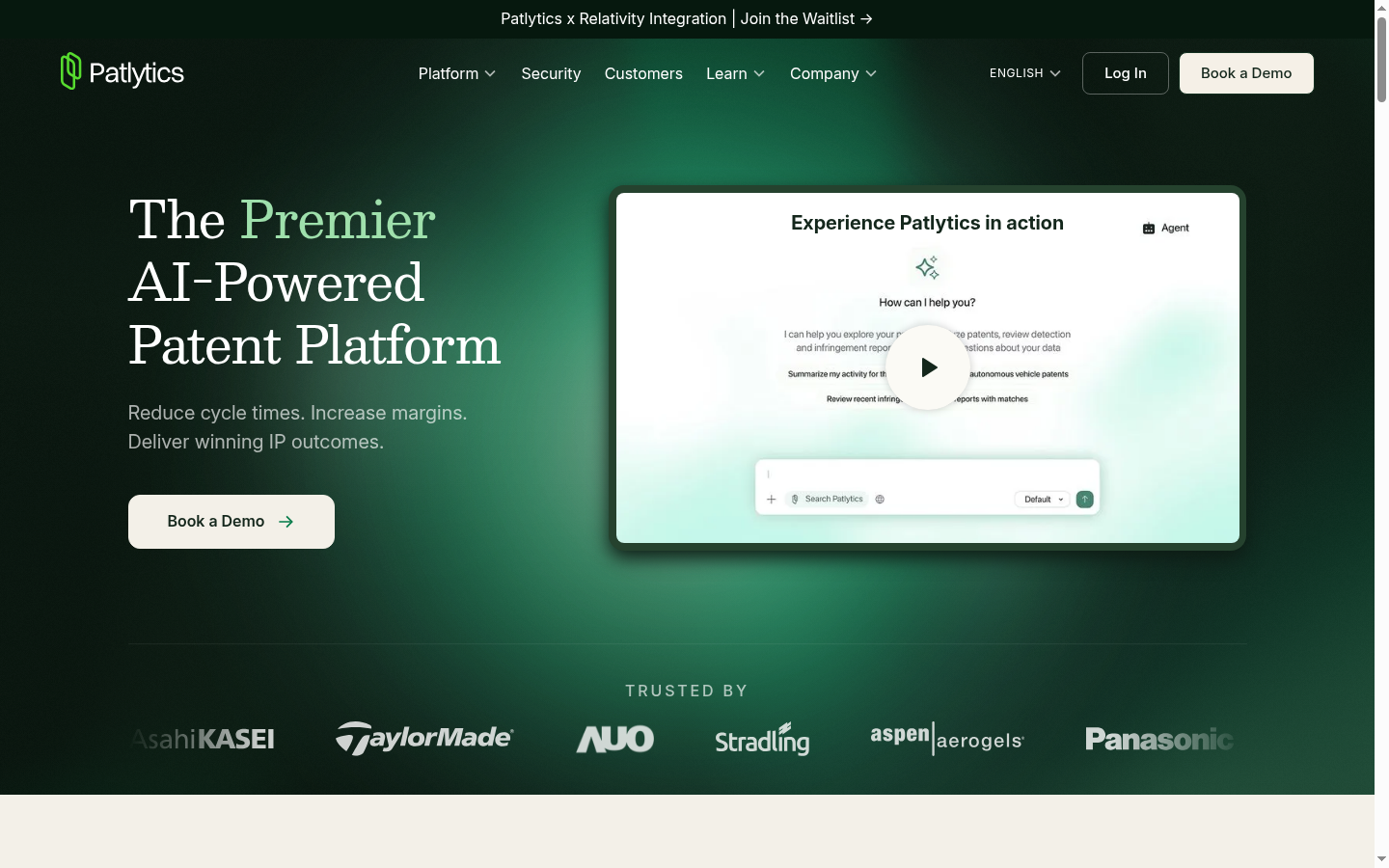
Patlytics is an AI-enabled patent workflow platform with support for disclosure intake, application drafting, prior-art analysis, claim charting, and office-action work. It is a fit for legal and corporate teams that want structured intake and drafting connected with broader patent analysis.
Key features:
- Patent application drafting from invention disclosures and source materials.
- Structured disclosure forms built from documents or spoken input.
- Patentability analysis and claim-chart workflows.
- Citation-backed outputs, source auditing, and confidence indicators, according to the vendor.
Pros:
- Connects source-material intake and structured disclosures to application drafting.
- Supports prior-art work and office-action workflows in the same platform.
- Offers templates and structured fields for more consistent intake.
Cons:
- Patlytics states that patent professionals remain responsible for final legal judgment and verification.
The Patlytics patent application drafting page describes its drafting, patentability, claim-chart, and source-auditing capabilities.
7. PatSnap Eureka: Best for prior-art-informed drafting workflows
PatSnap Eureka is a patent workflow product that brings invention-disclosure analysis, prior-art search, drafting, compliance review, and office-action response into one platform. Its stated approach starts research before claims and specifications are drafted, making it relevant for teams that want evidence to influence drafting direction.
Key features:
- Invention Disclosure workflow for technical material and missing-detail checks.
- Embedded prior-art search and evidence retrieval.
- Claims, specification, and supporting patent-content generation.
- Reusable Templates, Instructions, and Styles.
Pros:
- Links prior-art work to drafting rather than treating search as a separate handoff.
- Supports multimodal inputs such as drawings, diagrams, formulas, and data tables.
- States support for CNIPA, USPTO, and EPO standards.
Cons:
- Some Word workflow capabilities were listed as coming soon on its public pages.
- Vendor-reported drafting and search figures should be evaluated against the vendor's methodology and your own matters.
The PatSnap Eureka drafting page explains its research-to-drafting sequence and configurable document controls.
8. PowerPatent: Best for graphical claim and drawing-led drafting
PowerPatent focuses on turning invention summaries, claims, drawings, figure annotations, and part lists into a first-draft application. Its graphical claim drafting and computer-aided description workflow may appeal to teams that work closely from visual invention material.
Key features:
- Invention-disclosure capture.
- Graphical claim drafting.
- Drawing, flowchart, annotation, and part-list management.
- Description drafting and diagnostics for Section 112 and claim issues.
Pros:
- Connects claims, drawings, and part information to description generation.
- Includes collaborative sharing and editing capabilities.
- Provides diagnostics intended to flag claim and Section 112 issues.
Cons:
- Enterprise licensing requires contacting the vendor.
PowerPatent's workflow description explains how it uses summaries, claims, drawing information, and annotations to create first-draft application content.
9. Rowan Patents: Best for synchronized desktop patent drafting
Rowan Patents, part of Clarivate, is a desktop platform for patent drafting, review, and prosecution. Its defining approach is synchronization: claims, specifications, figures, chemical structures, and biological sequences remain linked in one drafting environment.
Key features:
- Integrated claims, specifications, figures, and drawing tools.
- Terms Manager for consistent terminology.
- NLP-based review for antecedent basis, claim support, term consistency, and potential Section 112 issues.
- Local or cloud-based language model options.
Pros:
- Strong fit for teams that prefer a dedicated desktop environment.
- Linked drafting elements can reduce manual synchronization work.
- Includes chemistry and biotechnology drafting capabilities.
Cons:
- Published materials specifically highlight US and European drafting requirements, not India-specific requirements.
The Clarivate Rowan Patents page details its synchronized drafting environment and review tools.
10. Solve Intelligence: Best for teams combining drafting and prosecution work
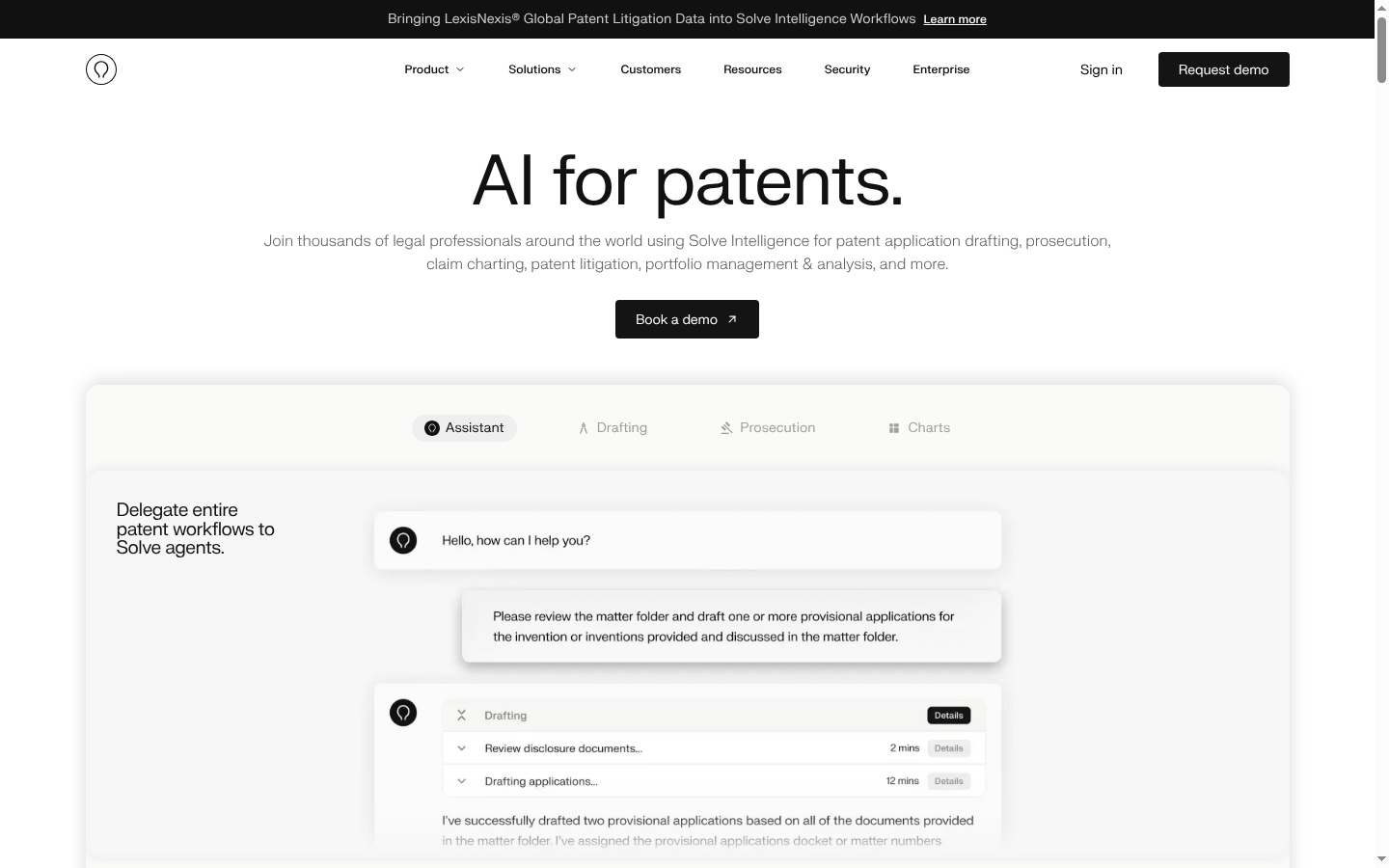
Solve Intelligence is positioned as a broad platform for patent professionals that covers application drafting, office-action response work, invention harvesting, claim charting, and patent analysis. It is a sensible option for firms or in-house teams that want drafting to sit alongside prosecution-related workflows.
Key features:
- Interactive patent-application drafting with style customization.
- AI figure generation and editing.
- Chemical-structure and biological-sequence support in drafting workflows.
- Office-action response drafting, claim charts, and inline document review.
Pros:
- Covers several patent workstreams within one vendor platform.
- Supports configurable drafting styles, clients, and jurisdictions.
- Includes drafting support for technical subject matter involving chemical structures and sequences.
Cons:
- Juristat-based examiner analytics require a separate Juristat subscription, according to Solve's published materials.
Solve's product overview describes a platform that spans interactive drafting, prosecution response drafting, and claim-chart workflows.
Comparison Table
| Product | Best for | Drafting environment | Research-to-draft connection | Review focus |
|---|---|---|---|---|
| ClaimMaster | Local or Word-based drafting | Microsoft Word desktop tool | Optional LLM document context | Proofreading and document checks |
| Esgenix | Decision-gated patent production | Matter-based patent production system | Prior Art Radar can inform strategy and drafting | Claim Provenance, Examiner's Lens, Adversarial Review |
| IronCrow AI | Flexible Word-based drafting | Microsoft Word integration | USPTO and EPO document retrieval | N-Spec proofreading and review tools |
| Patent Bots | Word automation and proofreading | Microsoft Word add-in | Document-context drafting support | Rules-based proofreading |
| PatentPal | Claims-to-specification production | Browser-based | Not publicly stated | Professional review required |
| Patlytics | Disclosure, drafting, and analysis | Platform workflow | Prior-art analysis supports drafting workflow | Source auditing and confidence indicators |
| PatSnap Eureka | Prior-art-informed drafting | Platform workflow | Prior art is embedded before drafting | Compliance review |
| PowerPatent | Drawing and graphical claim workflows | Platform workflow | Not publicly stated | Claim and Section 112 diagnostics |
| Rowan Patents | Synchronized desktop drafting | Desktop application | Not publicly stated | NLP-based consistency and support checks |
| Solve Intelligence | Drafting plus prosecution work | Platform workflow | Patent analysis and drafting capabilities | Inline document review |
How to Choose a DeepIP Alternative
Start with the workflow you need to improve, not a checklist of isolated features. If your biggest issue is that search findings, claim decisions, specification text, and figures become disconnected, prioritize a shared matter workflow. If your team spends most of its time in Word, a desktop or add-in tool may reduce adoption friction.
Then ask each vendor to demonstrate a real, redacted matter. Give the product a typical invention disclosure or existing claim set and evaluate the result against your own drafting standards. Review how it handles technical gaps, fallback claim positions, terminology consistency, claim support, figures, and revisions after counsel feedback.
For corporate IP teams, also confirm access controls, storage options, model-training terms, retention, auditability, and deployment requirements. For law firms, test whether the system can carry house rules and client preferences across matters without turning every project into a prompt-writing exercise.
Getting Started With Your Evaluation
Use a controlled evaluation process:
- Choose one representative matter. Select a matter with enough technical detail to expose real drafting and review needs.
- Define the professional decisions. Identify who approves invention understanding, claim strategy, claims, specification and figures, and final output.
- Ask for evidence, not promises. Inspect the draft, claim support, prior-art connection, figure consistency, revision history, and export options.
- Check your practice fit. Confirm relevant jurisdictions, document environment, security terms, and commercial model before expanding use.
For firms and corporate teams that want to see a decision-gated workflow on a real matter, request a demo from Esgenix. Bring an invention disclosure and evaluate how the five gates handle strategy, claims, specification, figures, and sign-off.
Frequently Asked Questions
What is the best DeepIP alternative for patent attorneys who want clear approval gates?
Esgenix is designed around five counsel decision gates: Intake, Strategy, Claims, Specification & Figures, and Sign-off. It suits patent professionals who want production work separated from substantive professional decisions.
Which DeepIP alternative is best for Microsoft Word patent drafting?
Patent Bots, ClaimMaster, and IronCrow AI are Word-centered options. Rowan Patents is a desktop drafting environment. The best choice depends on whether you need document automation, proofreading, optional local models, or broader patent workflows.
Which DeepIP alternative connects prior-art research to patent drafting?
Esgenix, PatSnap Eureka, and Patlytics publicly describe workflows that connect prior-art or patentability work with drafting. Ask each vendor how research findings affect claim strategy while claims remain editable.
Do DeepIP alternatives publish prices in INR?
The supplied public sources did not provide INR pricing for the products in this comparison. Several use custom quotes, while others publish pricing in other currencies. Confirm INR billing, taxes, and usage terms directly with each vendor.
Can patent drafting software replace a patent attorney or patent agent?
No. Patent drafting software can assist with production work, but patent professionals remain responsible for invention understanding, claim strategy, verification, legal judgment, and approval of any filing-ready output.
What should I test when comparing patent drafting software?
Test one representative matter. Review technical-gap handling, claim scope controls, written-description support, prior-art connection, figure consistency, revision history, export quality, security terms, and the points where professional approval occurs.
See it on your own use case
Related articles

8 Ankar AI Alternatives for Patent Drafting in 2026
Compare eight Ankar AI alternatives for patent drafting in 2026, including Esgenix, Solve, and DeepIP, by workflow, attorney control, price visibility, and fit.
Esgenix Team · Oct 29, 2026 · 11 min read

Can ChatGPT Draft a Patent Application? What General AI Misses and Specialized Tools Add
ChatGPT can draft patent-shaped text but does not handle prior-art strategy or filing responsibility. Esgenix uses five decision gates for professional control. Request a demo.
Esgenix Team · Oct 26, 2026 · 10 min read

How AI Patent Drafting Software Is Priced: Seats, Matters, and Pay-Per-Workflow
Compare AI patent drafting software pricing structures including seats, matters, usage credits and pay-per-workflow options. Match the billable unit to your patent workflow needs. Request a demo
Esgenix Team · Oct 26, 2026 · 7 min read