8 Ankar AI Alternatives for Patent Drafting in 2026
Esgenix Team · Published October 29, 2026

On this page
8 Ankar AI Alternatives for Patent Drafting in 2026
The best Ankar AI alternatives depend on where your team needs support in patent work. Esgenix fits teams that want explicit counsel decisions across a search-to-filing workflow. Solve Intelligence suits teams seeking broad patent work across drafting, figures, chemistry, sequences, and later-stage tasks. DeepIP is a strong option for teams that prefer AI work inside Microsoft Word.
How we compared: each tool is described from its own published product pages and documentation, checked on 9 October 2026. This is desk research, not hands-on testing, and vendor-reported results are not treated as independent benchmarks. Tools are listed alphabetically; the order is not a ranking. Confirm current product, security and commercial details directly with each vendor.
Alternatives at a Glance
The eight products in this comparison fall into three practical groups.
Decision-gated patent production systems organize production work around professional decisions. Esgenix belongs here, with counsel approval at defined stages before the matter progresses.
Broad patent-work platforms connect drafting with search, review, prosecution-related work, or analysis. Solve Intelligence, DeepIP, Patlytics, and Patentia fit this group, although their workflow designs and jurisdictional emphasis differ.
Drafting-focused environments help practitioners turn claims, disclosures, or technical material into application text and figures. PatentPal, PowerPatent, and Rowan Patents are useful examples, especially where a claim-first, Word-based, or structured desktop workspace fits the team.
What Are Alternatives to Ankar AI for Patent Drafting in 2026?
Ankar AI alternatives are patent technology products that a patent professional may evaluate instead of Ankar AI for drafting, reviewing, researching, or preparing application materials. They are not interchangeable simply because each uses AI.
The central question is where the workflow starts and how professional judgment enters the process. Some products begin with an invention disclosure and help build claims, specifications, and figures. Others begin with an existing claim set and generate supporting application text. Still others work inside Microsoft Word or a structured desktop environment.
You should also distinguish text generation from patent production. A tool can create a first draft quickly, but patent professionals still need to determine invention scope, assess prior-art implications, approve claims, check written-description support, review figures, and decide whether a document is ready to move forward.
For that reason, the right comparison is not just a feature checklist. Ask how the product expects your team to work. Does prior art influence claim strategy while claims remain editable? Can you inspect support for a claim limitation? Are figures planned from the specification? Does a separate review process challenge the generated work? And where does counsel approve the matter?
How We Compared
This comparison uses an operating-model lens rather than a scorecard built around feature counts. The numbered list is for organization, not a claim that one product is objectively best for every patent team.
The review considered published evidence on five points: how a product starts a drafting matter, whether it connects research to drafting, how it handles figures and review, whether it fits a particular drafting environment. No vendor performance claim in this article should be read as an independently verified benchmark.
Public information about model training and retention is uneven. During diligence, ask every vendor for current written answers on model training, retention, secure cloud storage, customer-controlled storage options, access controls, and auditability.
8 Alternatives to Ankar AI for Patent Drafting
1. DeepIP: Best for Microsoft Word-based patent teams
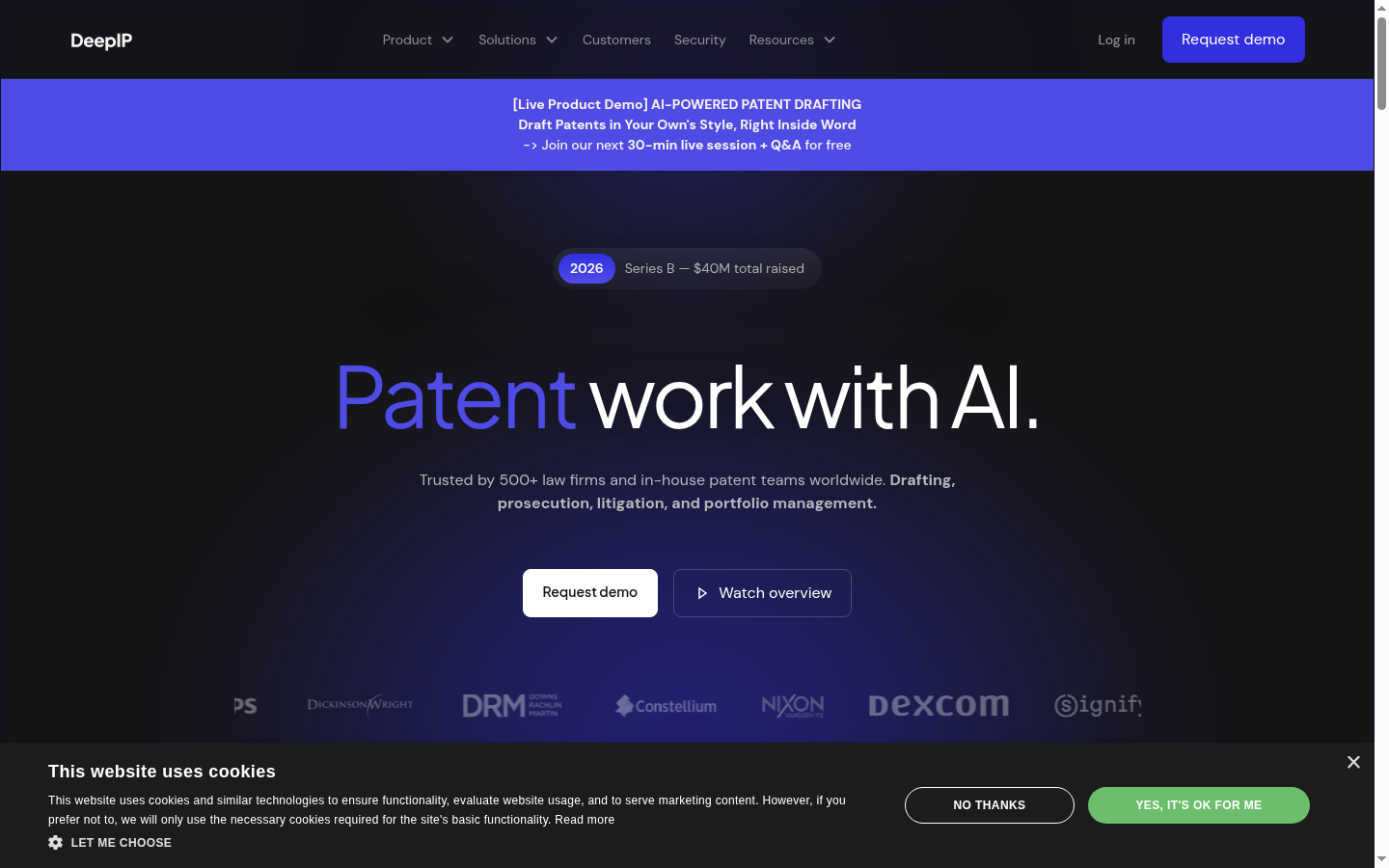
DeepIP is a patent-work platform that places a major emphasis on working inside Microsoft Word and connecting AI-assisted work with existing IP-management environments. That makes it a strong option for patent teams that do not want to move drafting into a separate interface.
Its published product materials cover application drafting from invention disclosures, prior-art search, patentability analysis, freedom-to-operate and invalidity work, plus office-action response workflows. The key buying question is whether its Word-centered experience fits your team's existing review and document-control habits.
Key features: Full application drafting, Microsoft Word integration, semantic prior-art search, office-action workflows, docketing integrations, and a REST API.
Pros:
- Word-based drafting and review workflow
- Published connections to search, drafting, and prosecution-related work
- Integration options for docketing and other systems
Cons:
- Teams in India should confirm India-specific filing and integration requirements
DeepIP's patent drafting page describes its disclosure-to-application workflow and drafting environment.
2. Esgenix: Best for decision-gated patent production
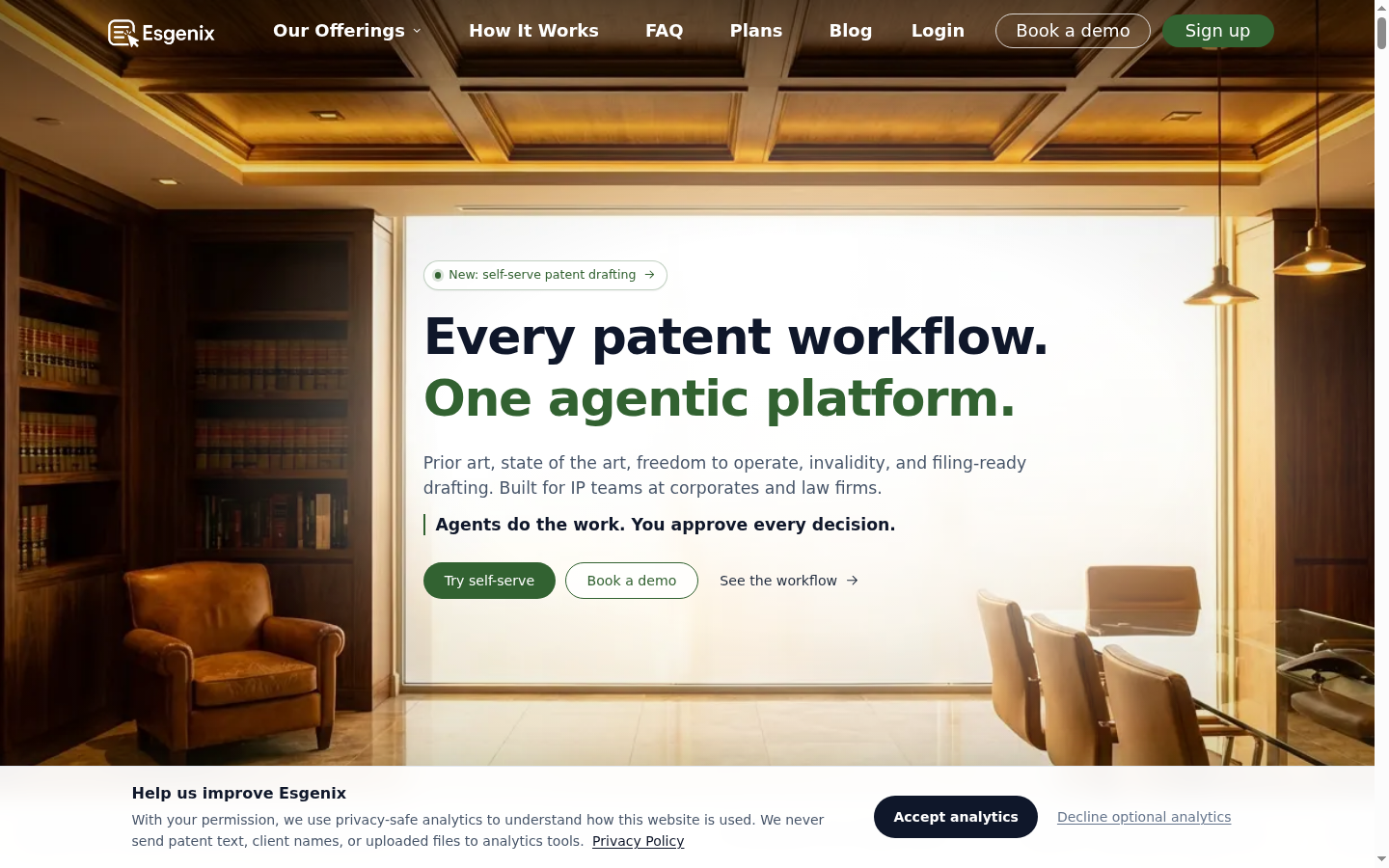
Esgenix is a decision-gated agentic patent workflow platform for patent professionals. It is best suited to law firms and corporate IP teams that want counsel to make substantive decisions while the system performs production work between those decisions.
The workflow has five gates: Intake, Strategy, Claims, Specification & Figures, and Sign-off. Counsel approves, modifies, or rejects work at each gate. Between them, specialist agents performs role-specific production and review work, while separate agents generate and challenge outputs.
Key features: Prior Art Radar can inform strategy and drafting in the same matter. Scope Slider helps counsel explore claim breadth and fallback positions. Claim Provenance links claim elements to supporting invention material. Automatic Patent Drawings can plan figures from the specification and reconcile reference numerals.
Practice fit: US, European, and Indian practice-native drafting workflows, with multilingual input and output.
Pros:
- Counsel-directed approval at five named decision gates
- Search-to-claim continuity within the same matter context
- Independent review through Examiner's Lens and Adversarial Review
Cons:
- Published practice-native drafting support is limited to US, European, and Indian practice
- Teams should request current commercial details for their workflow volume
Esgenix's Patent Drafting product page describes its workflow, drafting outputs, provenance, and figure-generation approach.
3. Patentia: Best for prior-art-informed draft preparation
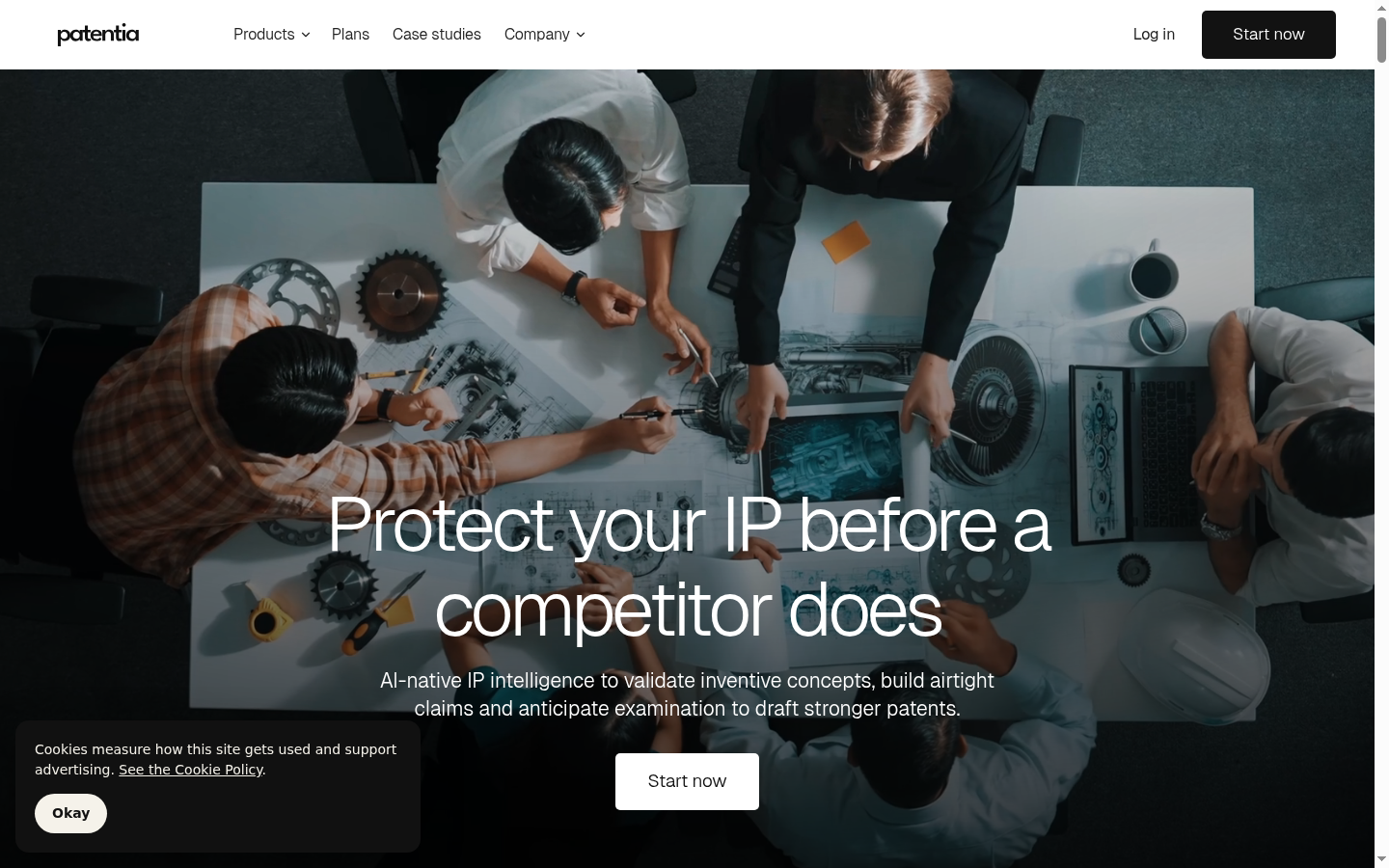
Patentia is an AI-native patent-intelligence platform that connects prior-art search, patentability analysis, and application drafting. It is a useful choice for IP, R&D, and technology-transfer teams that want prior-art evidence considered before a draft is prepared for counsel review.
Its published workflow includes semantic multilingual search, claim-level novelty and inventive-step analysis, and draft outputs containing claims, specification, figures, and an abstract. Patentia also describes claim amendment and recommendations based on its analysis.
Key features: Prior-art and non-patent-literature search, claim generation, claim-level risk analysis, application drafting, figures, and claim amendment.
Pros:
- Search and patentability analysis are positioned before drafting
- Supports claim-level analysis and draft application outputs
- May suit teams preparing inventions for professional counsel review
Cons:
- The vendor states that counsel or an attorney reviews and signs the final output
- Institutional licensing details require a direct discussion
Patentia's products page describes its search, patentability, and drafting workflow.
4. PatentPal: Best for claim-to-specification drafting
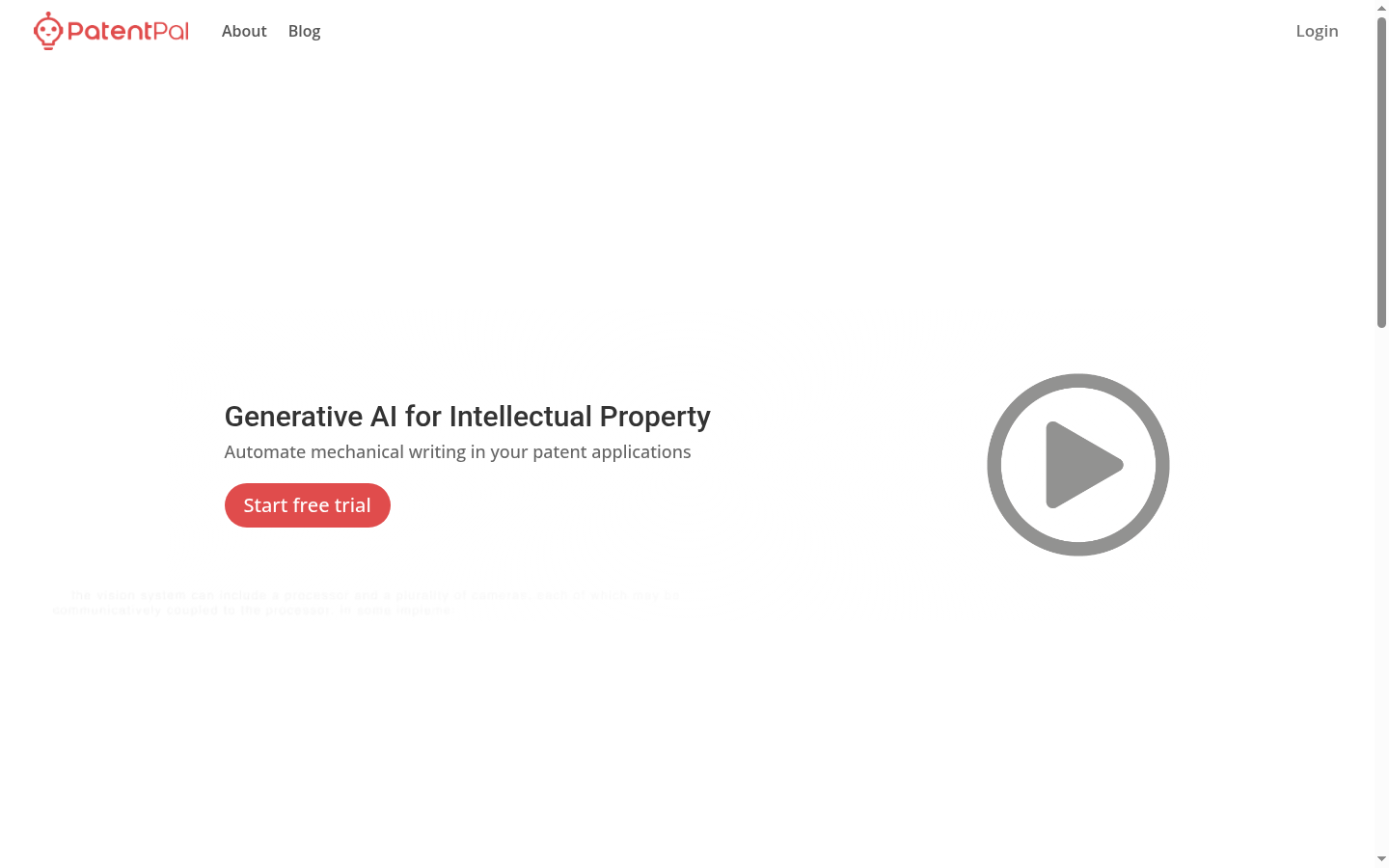
PatentPal is a focused option for practitioners who already have a claim document and want support producing application text and visual materials around it. Its published workflow starts with uploaded claims, then generates specification content, figure descriptions, abstracts, summaries, flowcharts, and block diagrams.
This is a different starting point from a disclosure-first system. If your team has already settled the claim direction and needs to reduce mechanical writing work, PatentPal may be a useful fit.
Key features: Claim upload, specification generation, method flowcharts, system and device block diagrams, language profiles, and exports to Word, Visio, or PowerPoint.
Pros:
- Clear claim-to-draft workflow
- Generates both textual content and visual patent materials
- Supports phrase preferences and multiple profiles
Cons:
- The reviewed product materials begin with user-provided claims rather than describing claim generation
- The vendor states that outputs are not guaranteed to be accurate, reliable, or error-free
PatentPal's product page explains its claim-upload workflow, generated materials, and export options.
5. Patlytics: Best for drafting tied to patentability analysis
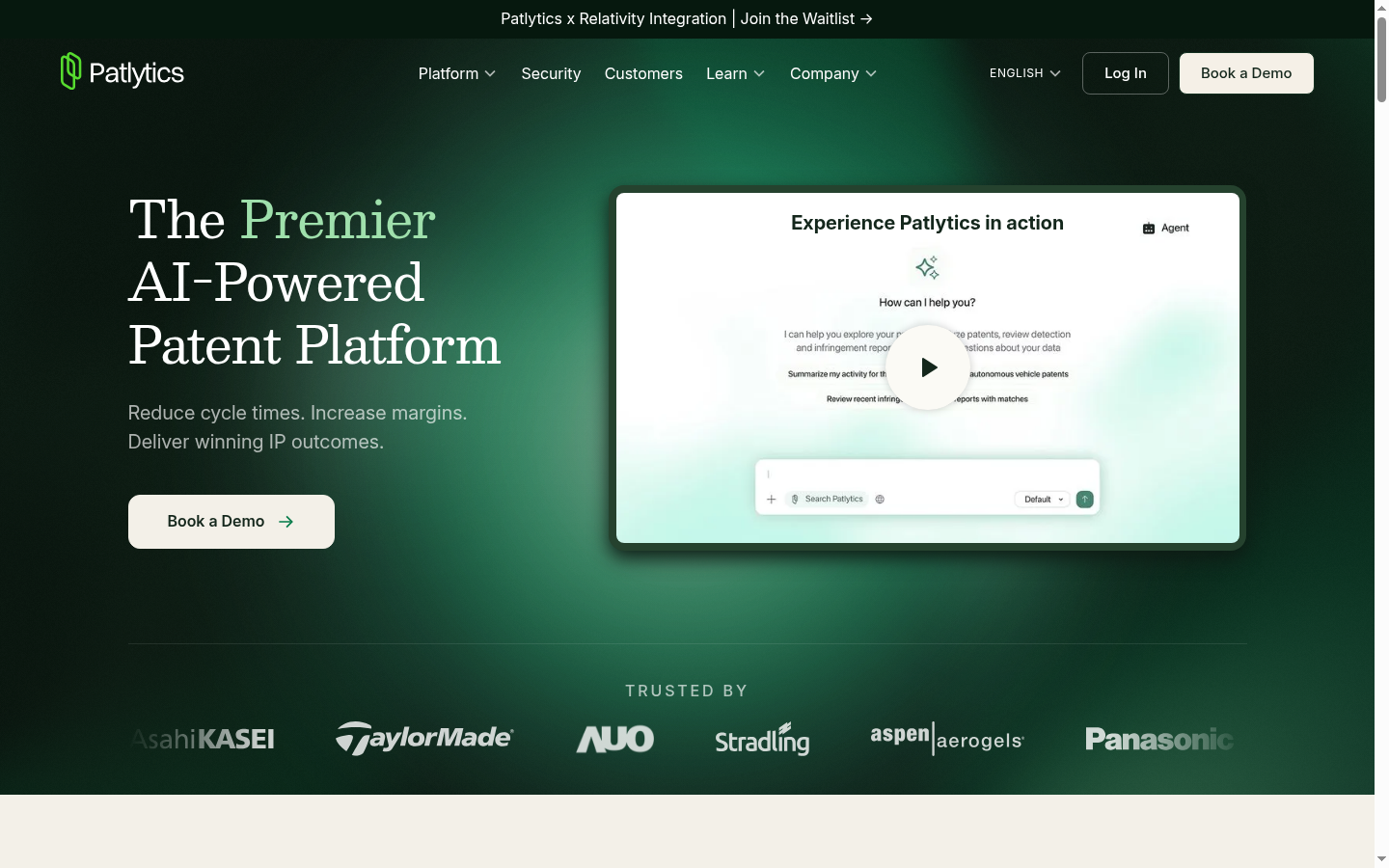
Patlytics is a patent platform that connects invention disclosures, source-material review, patentability analysis, claim development, and draft applications. It fits patent attorneys and in-house teams that want research and drafting work available in the same product environment.
The published workflow starts by auditing source materials, including technical figures and presentations, then supports structured disclosure work, claim-tree development, prior-art and non-patent-literature research, and detailed-description drafting.
Key features: Application drafting, source-material auditing, invention-disclosure workflows, claim charts, patent and non-patent-literature search, custom templates, and line-by-line review of suggested edits.
Pros:
- Published connection between source materials, patentability analysis, and drafting
- Supports custom templates and prompts by jurisdiction and technology
- Covers drafting alongside several adjacent patent-work workflows
Cons:
- The reviewed public pages use a demo-request sales path
- Teams should verify exact practice and integration requirements before purchase
Patlytics' patent application drafting page describes its source-to-draft workflow and attorney review controls.
6. PowerPatent: Best for Word add-in drafting and checks
PowerPatent is an AI-supported drafting product for teams that work in Microsoft Word and want help turning invention information, claims, drawings, and annotations into a first draft. Its Microsoft Marketplace listing describes drafting, editing, review checks, and figure-description generation within Word.
The product may fit a practitioner who values Word-native drafting but still wants automated checks around support, antecedent basis, terminology, and potential Section 112 issues.
Key features: Microsoft Word add-in, specification drafting, independent and dependent claim drafting, claim-support checks, antecedent-basis checks, boilerplate insertion, and figure-description generation.
Pros:
- Works inside Microsoft Word
- Published review checks cover several drafting consistency issues
- Supports both drafting and figure-description work
Cons:
- Teams seeking a browser-first workflow may prefer another product design
PowerPatent's Microsoft Marketplace listing describes its Word-based drafting and review features.
7. Rowan Patents: Best for structured desktop drafting environments
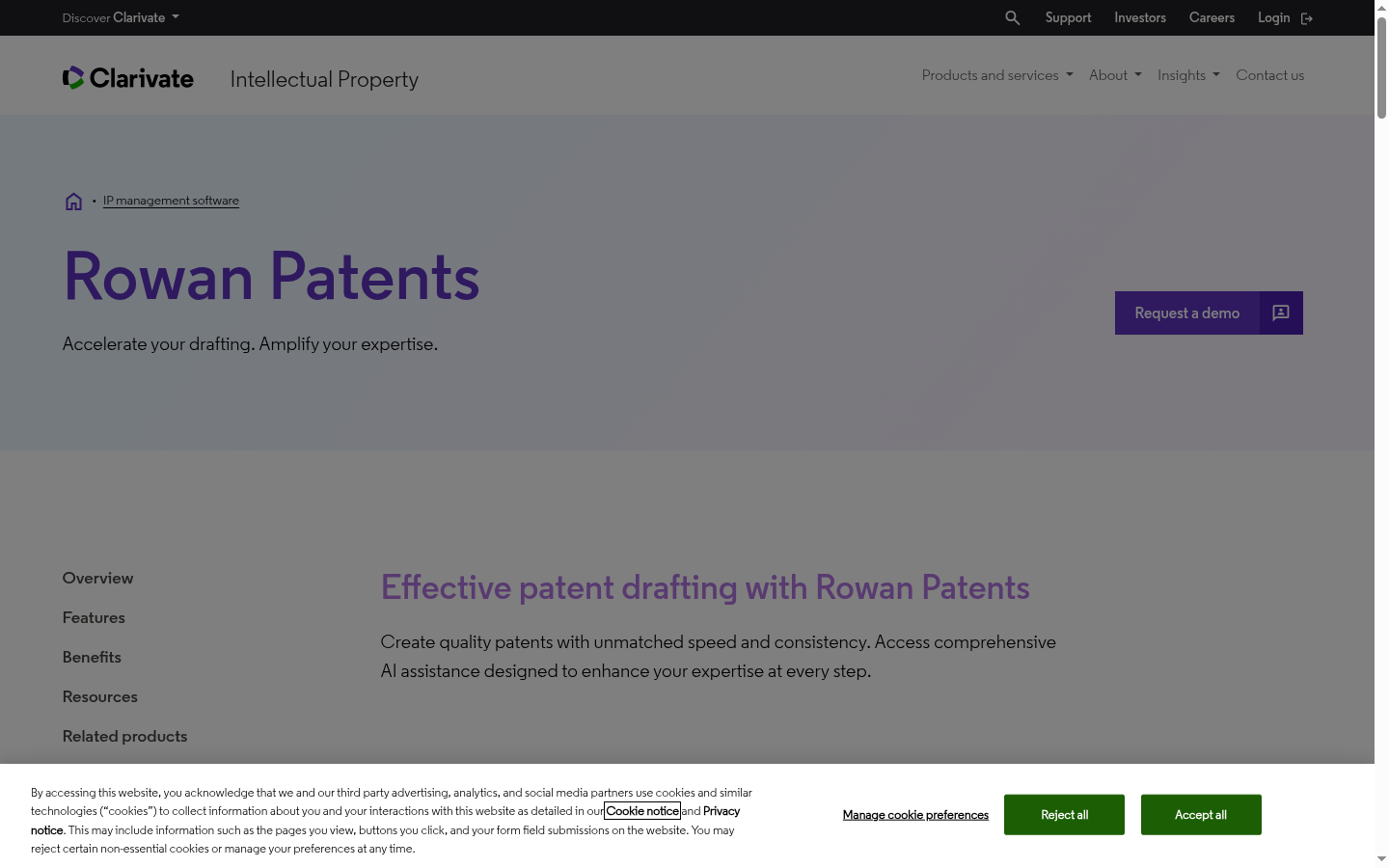
Rowan Patents is a Clarivate-owned desktop solution for drafting, review, and prosecution work. Its core distinction is a structured workspace that can synchronize claims, specifications, drawings, terms, part numbers, chemical structures, and biological sequences.
That structure may suit teams handling technically complex applications where terminology and reference consistency need attention across many linked document elements. Rowan also states that users can choose local or cloud-based language models for its task-based AI assistance.
Key features: Integrated claims, specification, and drawing workspace; terminology management; automatic part numbering; drawing tools; configurable templates; review checks; chemical-structure and sequence management.
Pros:
- Strong focus on synchronized claims, specifications, and drawings
- Useful published support for chemistry and biotechnology workflows
- Includes structured review and terminology-management tools
Cons:
- Public materials emphasize US and European drafting requirements, so India-specific support should be confirmed
- The structured desktop approach may not suit teams seeking a browser-only workflow
Clarivate's Rowan Patents product page describes its linked drafting workspace, review checks, and deployment options.
8. Solve Intelligence: Best for broad technical patent work
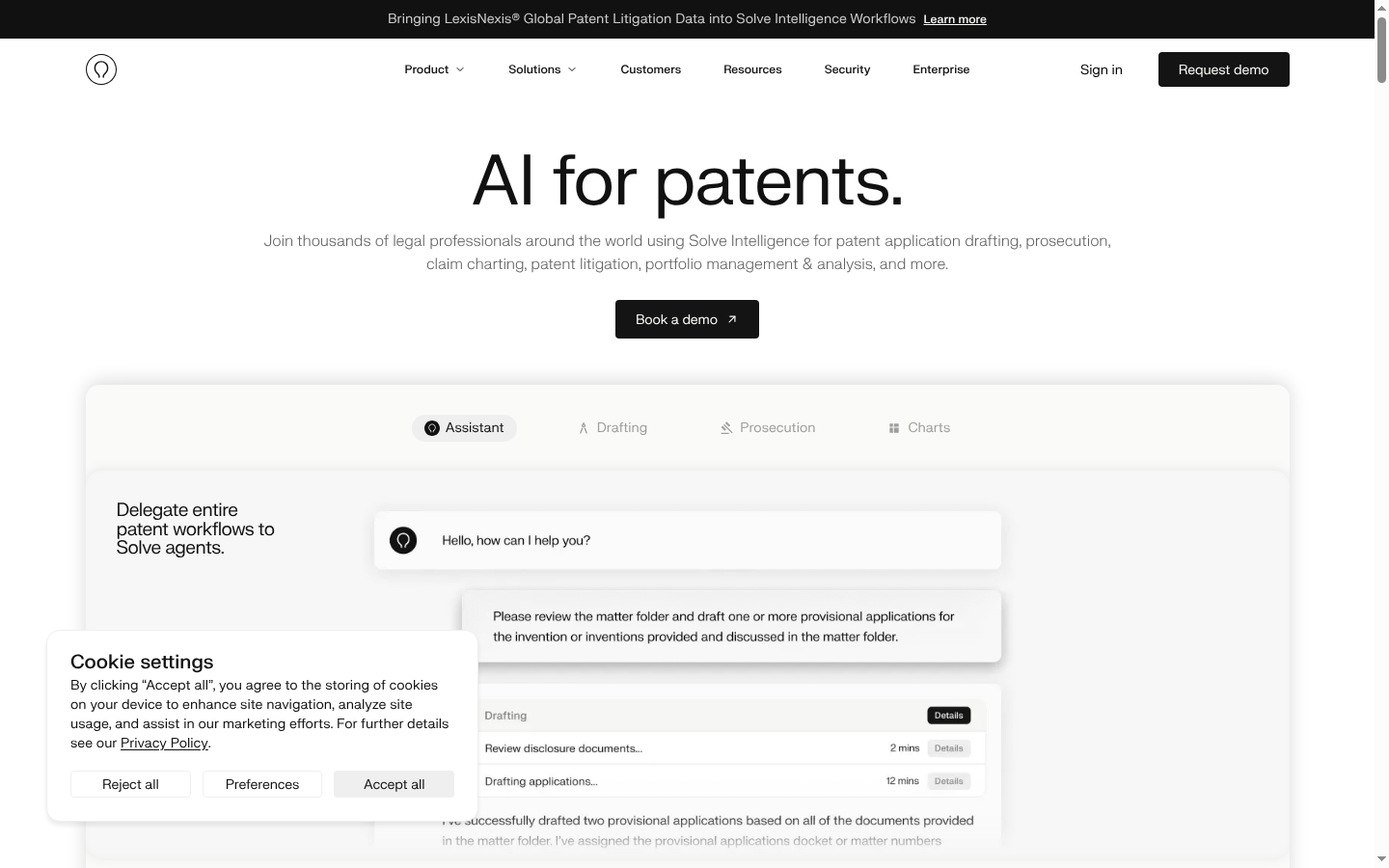
Solve Intelligence is a patent-work platform for teams that want application drafting alongside broader work involving figures, chemical structures, biological sequences, document review, and claim charts. It is a practical fit for firms and in-house groups with technically varied matters.
Its drafting workflow is designed around full application generation and customization by drafting style, technology, and jurisdiction. Solve also publicly describes workflows for office-action work and claim-charting, which may matter to teams seeking a wider product scope than drafting alone.
Key features: Full application drafting, figure generation and editing, chemical-structure and biological-sequence work, document review, and claim-chart workflows.
Pros:
- Broad published coverage across patent drafting and related technical work
- Useful for chemical and biological-sequence matters
- Supports style and workflow tailoring according to published materials
Cons:
- Teams should confirm the workflow and jurisdictional setup for their own filing practice
Solve's drafting product page describes its application drafting, figure, review, chemical, and sequence capabilities.
Comparison Table
| Product | Best for | Workflow starting point | Search-to-draft relationship | Practice note |
|---|---|---|---|---|
| DeepIP | Microsoft Word-based teams | Invention disclosures and Word drafting | Search and drafting are both published workflows | Confirm India-specific fit |
| Esgenix | Decision-gated patent production | Disclosures and technical materials | Prior Art Radar can inform strategy and drafting in the same matter | US, European, and Indian practice-native workflows |
| Patentia | Prior-art-informed draft preparation | Disclosures and prior-art analysis | Prior-art evidence is positioned before drafting | Counsel review remains part of the process |
| PatentPal | Claim-to-specification work | Existing claims | Claim-first workflow | Confirm jurisdictional fit |
| Patlytics | Drafting tied to patentability analysis | Source materials and disclosures | Research and drafting available in one product | Confirm practice requirements |
| PowerPatent | Word add-in drafting | Disclosures, claims, and drawings | Review and drafting focus | Confirm jurisdictional fit |
| Rowan Patents | Structured desktop drafting | Linked claims, specifications, and drawings | Confirm research workflow needs | Public materials emphasize US and Europe |
| Solve Intelligence | Broad technical patent work | Full application drafting | Confirm workflow details with vendor | Confirm jurisdictional setup |
How to Choose an Ankar AI Alternative
Start with the work that creates the most friction for your team. A product that looks strong in a broad demo may still be a poor fit if it begins at the wrong point in your drafting process.
- Compare workflow control. Ask where the patent professional approves the work. If your team wants explicit decision boundaries, inspect the gates, review points, and revision path rather than just the draft output.
- Check the drafting starting point. Some products begin with disclosures, while PatentPal is designed around claims already supplied by the user. That difference affects who does claim strategy and when.
- Assess prior-art continuity. If prior art should affect claim scope, ask whether findings stay connected to strategy and drafting, or become a separate report that must be carried into another tool.
- Review your working environment. DeepIP and PowerPatent may appeal to Word-centered teams. Rowan may fit teams that want a structured desktop workspace. Other products use their own product environments.
Getting Started With a Better Evaluation
A useful evaluation should use one real, non-sensitive matter or a carefully prepared test disclosure. That gives your team something concrete to review without treating marketing claims as proof.
First, decide what counsel must approve: invention understanding, claim strategy, claim set, specification and figures, or final filing readiness. Then ask each vendor to show how a revision at one stage affects the next stage.
Next, inspect the output rather than only reading it. Check claim support, terminology consistency, figure references, prior-art handling, version history, and the professional review path. Finally, compare the commercial model against your expected matter volume, not just the number of users who may need access.
For firms and corporate IP teams that want a decision-gated workflow, bring one invention disclosure to an Esgenix evaluation and inspect how counsel directs the matter through Intake, Strategy, Claims, Specification & Figures, and Sign-off. Request a demo to assess the workflow on the kind of matter your team actually handles.
Which Alternative Fits Your Team?
Choose Esgenix when your priority is counsel-directed patent production with five explicit gates, claim-scope exploration, connected prior-art findings, and independent review before Sign-off.
Choose Solve Intelligence when your team needs a wide range of technical patent-work capabilities, including figures, chemical structures, biological sequences, and related workflows. Choose DeepIP or PowerPatent when Microsoft Word is central to the way your team drafts and reviews.
Choose PatentPal when your claims are already prepared and the immediate need is supporting specification text and figures. Choose Patlytics or Patentia when connecting patentability analysis to draft preparation is the main requirement. Choose Rowan Patents when a structured workspace with synchronized drafting elements is more important than a browser-first experience.
Frequently Asked Questions
What is the best Ankar AI alternative for patent attorneys in 2026?
The best option depends on your workflow. Esgenix suits teams that want counsel decisions at five gates, while DeepIP and PowerPatent suit Word-centered teams, and Solve Intelligence fits broader technical patent work.
Which Ankar AI alternative supports Indian patent drafting?
Esgenix publicly states practice-native drafting workflows for Indian, US, and European practice. Other products in this comparison should be asked to confirm India-specific drafting, filing, and integration support.
Can AI replace patent counsel when drafting a patent application?
No. Patent professionals remain responsible for claim strategy, legal judgment, verification, and approval. AI tools can assist with production work, but they do not remove the need for professional review.
Which alternative is best for drafting patents in Microsoft Word?
DeepIP and PowerPatent are the clearest Word-centered options in this comparison. DeepIP connects AI patent workflows with Word and IP-management environments, while PowerPatent is offered as a Word add-in.
Do Ankar AI alternatives publish prices in INR?
None of the products in this comparison publicly list INR pricing in the supplied research. Ask each vendor for a current quote that reflects your matter volume, required workflows, and deployment needs.
What should I ask during a patent AI software demo?
Ask how the system handles claim support, prior-art findings, revisions, figures, version history, professional approvals, data retention, model training, and your required jurisdictional practice.
See it on your own use case
Related articles

Can ChatGPT Draft a Patent Application? What General AI Misses and Specialized Tools Add
ChatGPT can draft patent-shaped text but does not handle prior-art strategy or filing responsibility. Esgenix uses five decision gates for professional control. Request a demo.
Esgenix Team · Oct 26, 2026 · 10 min read

How AI Patent Drafting Software Is Priced: Seats, Matters, and Pay-Per-Workflow
Compare AI patent drafting software pricing structures including seats, matters, usage credits and pay-per-workflow options. Match the billable unit to your patent workflow needs. Request a demo
Esgenix Team · Oct 26, 2026 · 7 min read

How Accurate Is AI Prior Art Search? A Claim-Based Way to Score Reference Closeness
AI prior art search accuracy improves with claim-based reference closeness scoring. Human professionals retain control at the strategy gate while AI supports retrieval and prioritization.
Esgenix Team · Oct 26, 2026 · 9 min read