Draft for review. This page is not published and is hidden from search engines.
DeepIP vs Ankar AI (2026): which patent drafting route fits your team?
Tools checked October 15, 2026, from each vendor's own published material
On this page
The short answer
Choose DeepIP if your team drafts and reviews in Microsoft Word and wants AI inside that document. Choose Ankar AI if you want the invention disclosure, claim strategy, house style and figures to stay connected in one platform from intake onwards. Neither publishes prices, and both state that customer data is not used to train models.
DeepIP and Ankar AI are both AI patent drafting platforms, but they start in different places. DeepIP works where many patent professionals already work, inside Microsoft Word. Ankar AI starts from the invention record and carries that context through claims, the draft and the figures.
This page compares the two on the questions that decide fit: where the work happens, how drafts are checked, how figures are produced, what connects to your existing systems, and how data is handled. Every statement is taken from the vendor’s own public pages, linked below each section.
At a glance
DeepIP
Best for
Law firms and in-house teams that draft and review in Microsoft Word and want AI in that document.
Ankar AI
Best for
Patent and R&D teams that want the invention record, claim strategy and house style connected from intake.
Esgenix
A third route
Teams that want to keep every substantive decision with counsel; solo practitioners and smaller firms can sign up without a demo.
How it differs
The core difference is where the work lives. Everything else follows from that.
| Question | DeepIP | Ankar AI |
|---|---|---|
| Where you work | Inside Microsoft Word | In the Ankar platform |
| Starting point | Invention disclosure or an existing Word document | Disclosures, technical documents and inventor discussions |
| Drafting approach | Document-native drafting in your own style | Claim strategy first, then a draft in the firm’s captured style |
| Review checks | AI Reviewer: antecedent basis, dependencies, unsupported references, drawing call-outs | Traceable citations from output back to source material |
| Figures | Patent drawings product listed | Figures, flowcharts and drawings from sketches and descriptions |
| Connects to | Word, Outlook, docketing systems, REST API | Integration with existing systems during onboarding |
| Model training on your data | No, per its homepage | No, per its security note |
| Certifications listed | ISO 42001, ISO 27001, SOC 2 Type II | SOC 2 Type II, ISO 27001 |
| Public pricing | Not published; demo-led | Not published; demo-led |
DeepIP: an overview
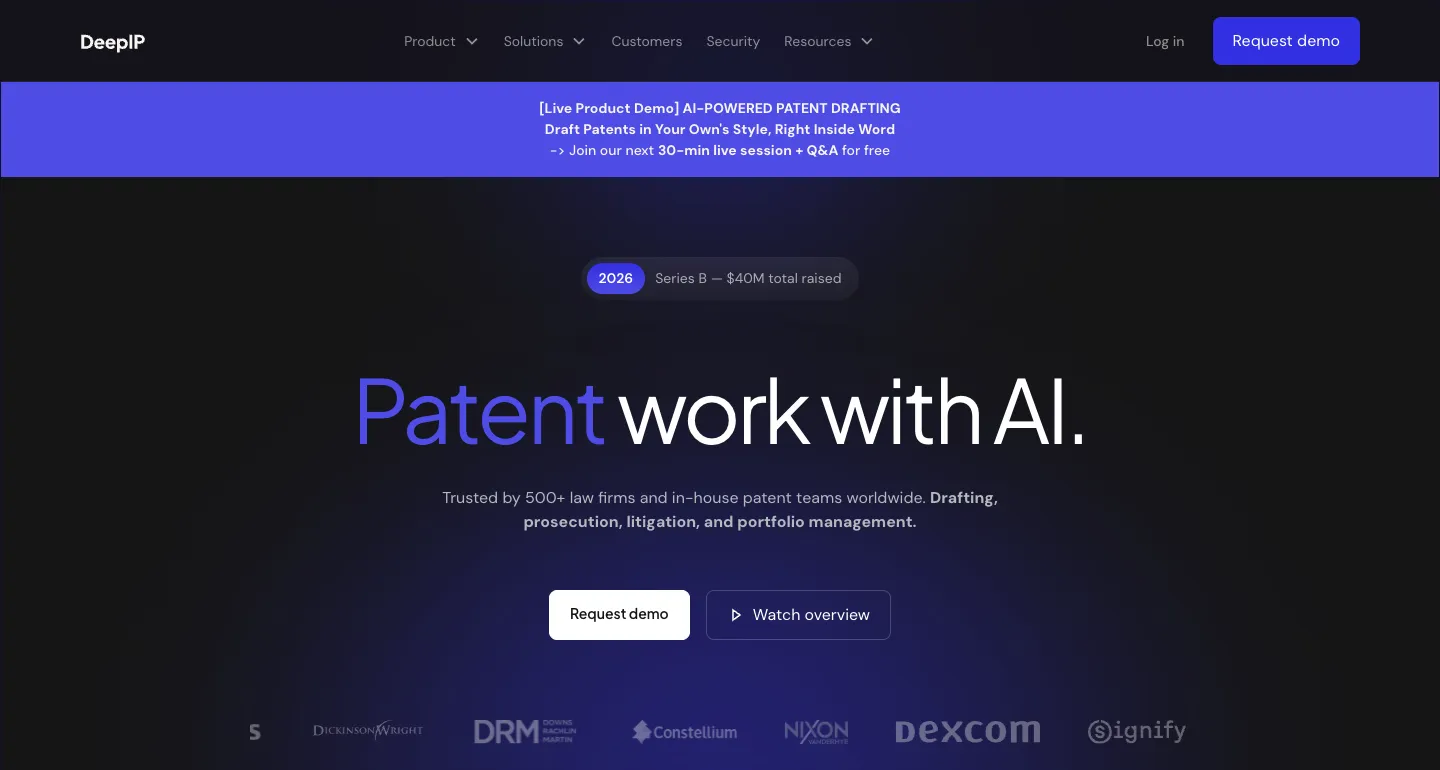
DeepIP describes itself as AI for patent work across drafting, prosecution, litigation and portfolio management. Its drafting product works inside Microsoft Word, so the application stays a Word document from first draft to review.
The product line also covers patentability, patent drawings, office actions through Outlook, and a separate AI Reviewer that checks claim language before filing.
Key features
- Drafting and review directly within Microsoft Word
- Full applications from invention disclosures: claims, specifications and abstracts
- AI Reviewer for antecedent basis errors, dependency gaps, unsupported references and missing drawing call-outs
- Novelty and non-obviousness assessment before a full application
- Office action deadlines and response suggestions in Outlook
- Integrations with docketing systems and a REST API
Where it is strongest
- Little change to the drafting routine: the work stays in Word.
- Pre-filing checks are specific and named on its AI Reviewer page.
- Lists ISO 42001, ISO 27001 and SOC 2 Type II on its homepage.
What to check in a demo
- How a draft moves between Word, partner review and your document management system.
- How drafting style is set per client or per matter.
- Pricing, which is not published.
Sources: DeepIP homepage · DeepIP AI Reviewer
Ankar AI: an overview
Ankar presents itself as a platform for R&D and IP teams: invention disclosure, patent drafting, invalidity, infringement detection, freedom to operate and portfolio work, alongside research intelligence on competitor filings and technology trends.
Its drafting product starts from disclosures, technical documents and inventor discussions, develops claim strategies, applies the firm’s drafting preferences, and generates figures.
Key features
- Claim strategies distilled from technical disclosures and inventor material
- Firm drafting preferences, claim styles and terminology captured and applied
- Patent-ready figures, flowcharts and supporting drawings from sketches and descriptions
- Traceable citations linking AI-generated output to its sources
- Office action support drawing on prosecution records, cited art and examiner positions
- Research intelligence on competitor filings and technology trends
Where it is strongest
- Invention context and drafting preferences travel together from intake.
- Source traceability is stated as a platform-wide feature on its overview page.
- SOC 2 Type II and ISO 27001, with US and EU data hosting, per its homepage.
What to check in a demo
- How drafts reach Word and your review process; the public pages do not describe a Word add-in.
- Which parts of the wider platform you need for drafting alone.
- Pricing, which is not published.
Sources: Ankar homepage · Ankar platform overview · Ankar patent drafting · Ankar security note
Features compared
Drafting
| Feature | DeepIP | Ankar AI |
|---|---|---|
| Full application | Claims, specification and abstract from a disclosure | Draft built from the claim strategy and source material |
| House style | Drafts “in your own style” inside Word | Captures drafting preferences, claim styles and terminology |
Quality control
The two take different routes to the same question: can a reviewer trust what the AI wrote?
| Feature | DeepIP | Ankar AI |
|---|---|---|
| What is checked | Claim language: antecedent basis, dependency gaps, clarity, unsupported references | Each output linked to the source passage it came from |
| Where findings appear | Flagged directly in the document | In the platform, alongside the cited source |
Prosecution and research
| Feature | DeepIP | Ankar AI |
|---|---|---|
| Office actions | Deadlines and response suggestions in Outlook | Prosecution records, prior arguments and examiner positions in one place |
| Research | Novelty and non-obviousness assessment before drafting | Research intelligence on competitor filings and technology trends |
Which to choose
Choose DeepIP if
- Your attorneys draft, mark up and circulate applications in Word.
- You want pre-filing claim checks flagged inside the document.
- Office actions are run from Outlook and a docketing system.
Choose Ankar AI if
- Invention material arrives scattered across documents and inventor conversations.
- You want claim strategy settled before the draft is written.
- Your team also needs invalidity, freedom-to-operate or portfolio work in the same platform.
How to evaluate either on a real matter
A short pilot on a real matter tells you more than a product tour. Run the same steps with each vendor.
- 1
Pick a representative matter
Use a disclosure your team is authorised to share, with known drafting preferences and an attorney available to review.
- 2
Set review criteria first
Decide who judges claim scope, support, terminology, figure references and filing readiness, before any draft exists.
- 3
Watch the review, not just the draft
Ask to see how a problem is found, traced to its source, corrected and recorded in the matter history.
- 4
Measure attorney time
Track the time spent verifying and correcting the output, not only how fast the first draft appears.
- 5
Confirm the terms
Get data handling, retention, access controls and pricing in writing, not from a marketing page.
Esgenix
A third route: counsel decides at every gate
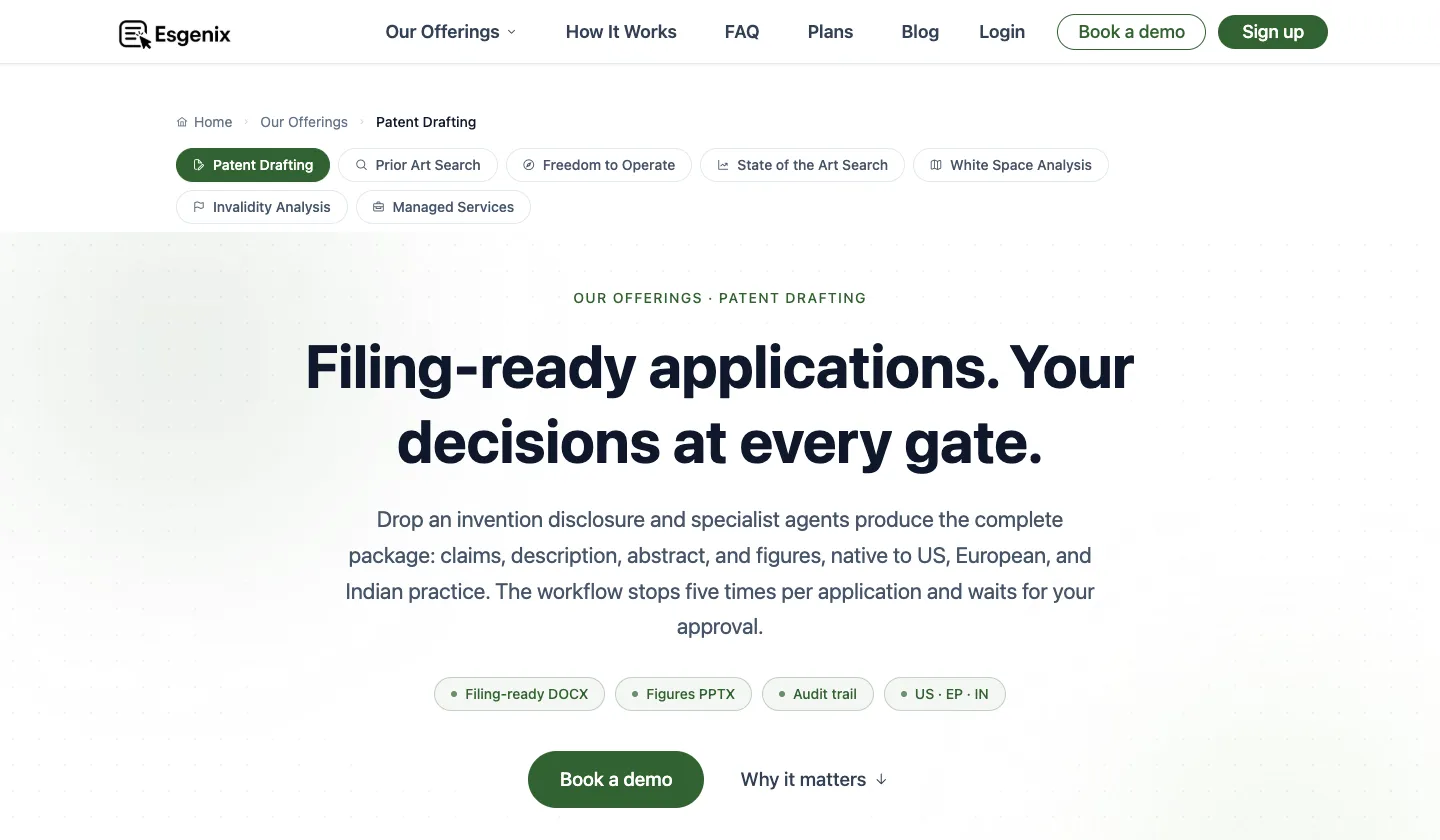
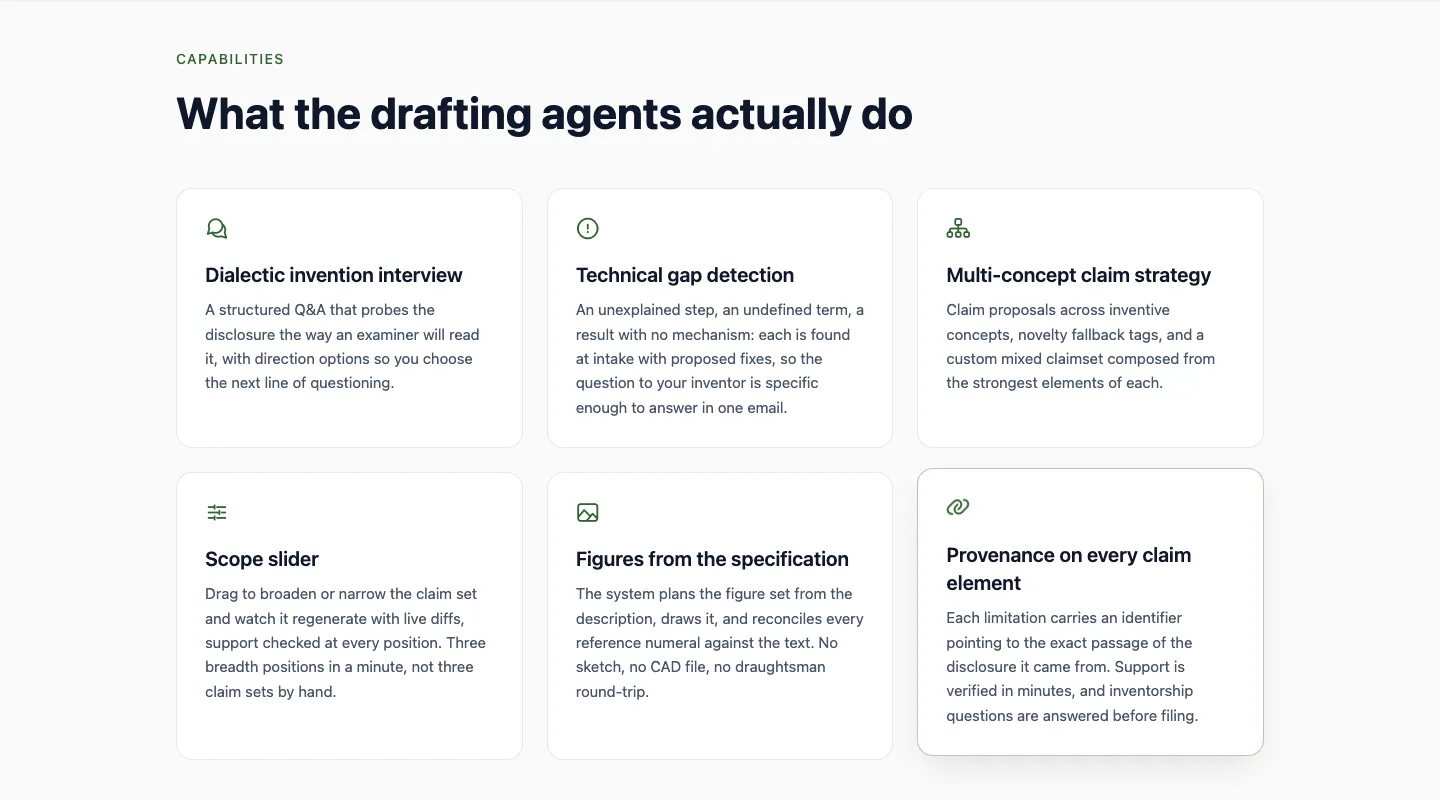
Esgenix, which publishes this page, takes a different approach from both. Drafting runs through five gates, and nothing moves to the next stage without the attorney’s approval. Between those decisions, specialist agents carry the production work: the invention interview, claim proposals, the specification and the figures.
Drafting is native to US, European and Indian practice, every claim element carries provenance back to the disclosure, and a separate model grades each draft before the attorney sees it. Invention data is never used to train any model, and Esgenix is ISO/IEC 27001:2022 certified.
Gate 1
Intake & invention interview
A probing Q&A sharpens the inventive concept and flags technical gaps.
Gate 2
Claim strategy
Claim proposals across inventive concepts, with novelty fallbacks.
Gate 3
Scope & finetuning
Broader and narrower claim variants, with support re-checked at each position.
Gate 4
Specification & figures
The full draft with provenance on every claim element and reconciled numerals.
Gate 5
Final approval & export
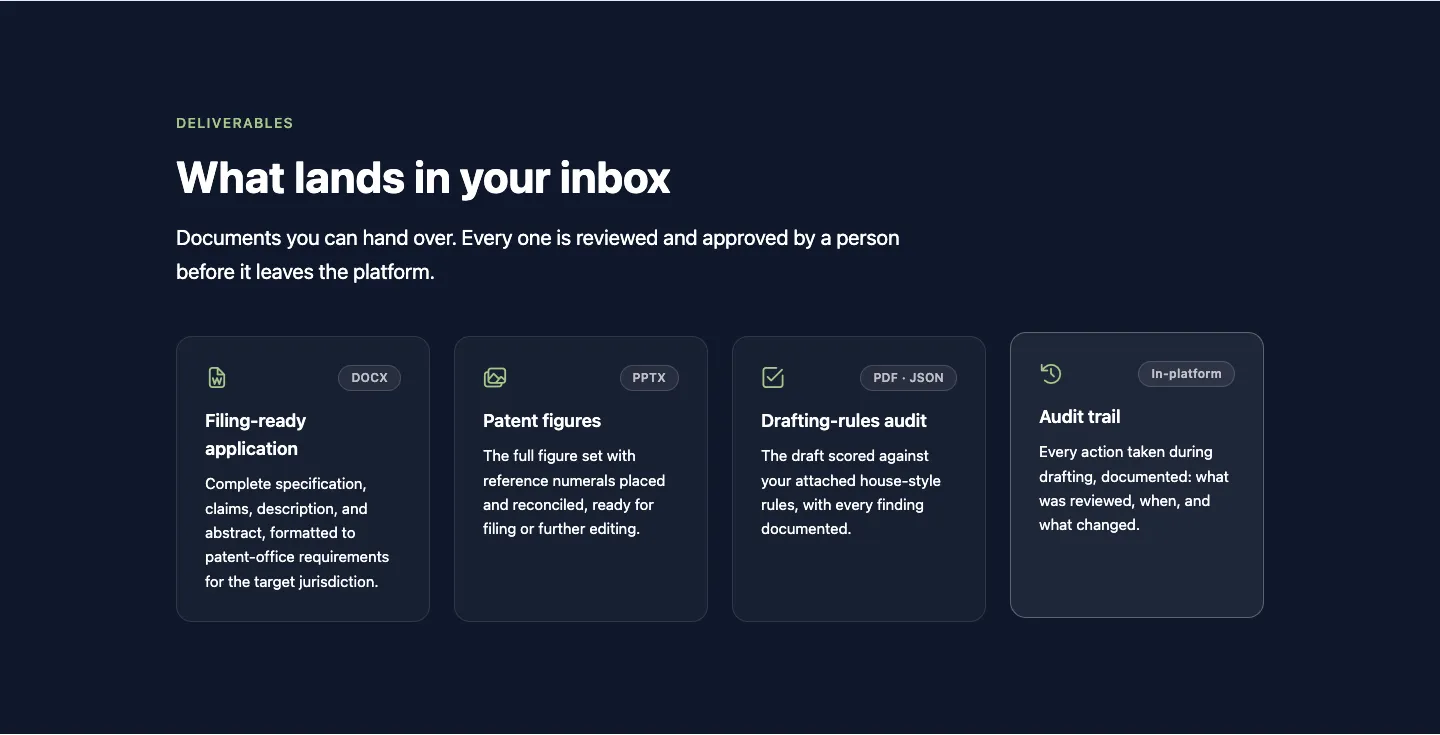
Filing-ready DOCX, figures as PPTX and a full audit trail.
Sources: Esgenix Patent Drafting · Esgenix Security & Trust · Esgenix plans
Frequently asked questions
What is the main difference between DeepIP and Ankar AI?
Where the work happens. DeepIP runs inside Microsoft Word, so drafts stay Word documents throughout. Ankar AI works in its own platform and starts from the invention record, carrying disclosure context into claims, the draft and the figures.
Does DeepIP or Ankar AI use my invention data to train models?
Both say no. DeepIP states on its homepage that it does not retain client data or use it for model training. Ankar states in its security note that it never uses customer data to train models.
How much do DeepIP and Ankar AI cost?
Neither publishes prices. Both sell through a demo, so ask for pricing per user, per matter and for implementation in writing.
Which is better for checking a draft before filing?
They check differently. DeepIP’s AI Reviewer flags claim-language issues such as antecedent basis and dependency gaps inside the document. Ankar links each AI-generated output to its source, so a reviewer can trace where a statement came from.
Is there an option where the attorney approves each stage?
Yes. Esgenix stops the drafting workflow at five gates, from intake to final approval, and waits for the attorney’s decision at each one. Solo practitioners and smaller firms can sign up without a demo.
How this comparison was made
Each tool is described from its own public pages, checked on the date shown. This is desk research, not a hands-on test or a performance benchmark, and vendor performance claims are not repeated.
Esgenix publishes this page and builds one of the platforms mentioned. It is described in its own section, using the same kind of public sources.
See it on your own use case